


Before I dig deeper into project details, I want to give proper respect to Buck for the main inspiration. For this, I experimented with the Google Chrome Web Serial API and build my own ring-based interface.
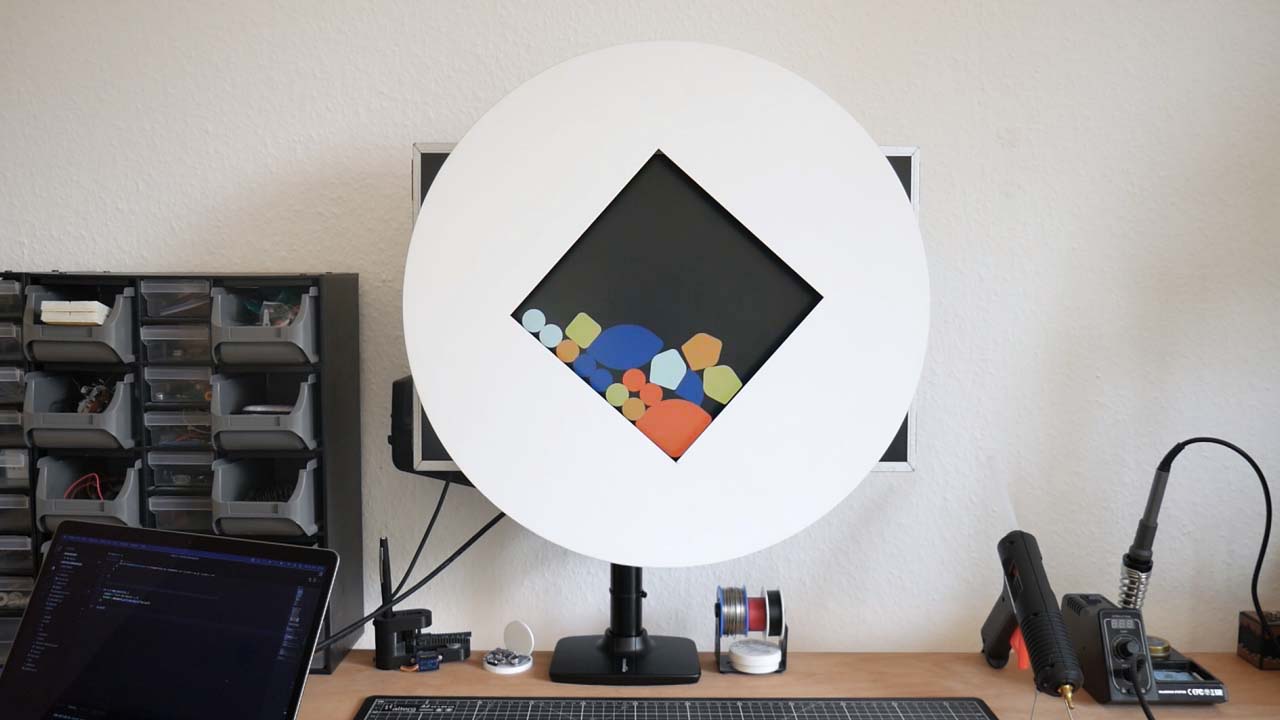
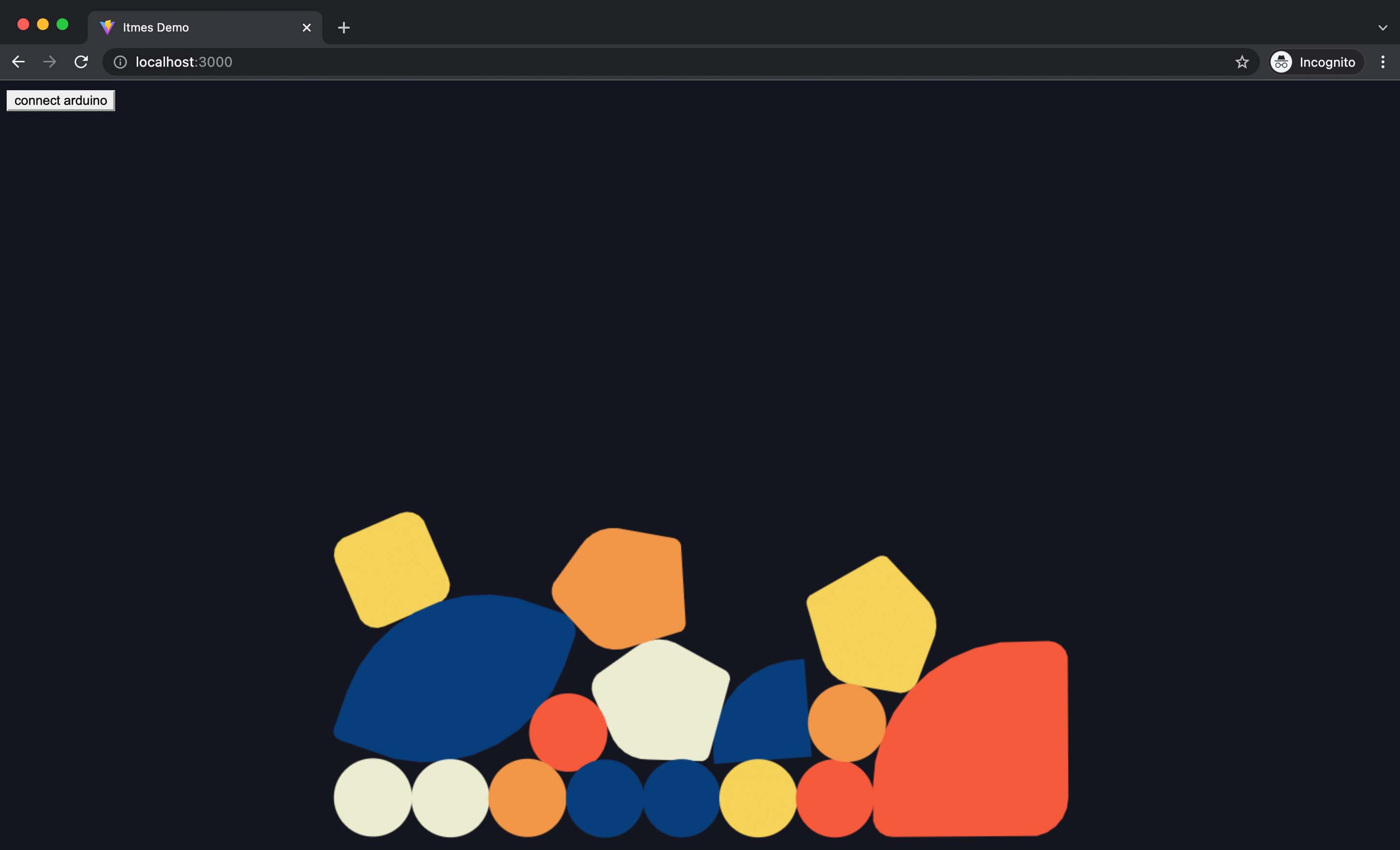
Navigate to the items demo folder and run npm install. Afterwards run npm run dev to start the app.
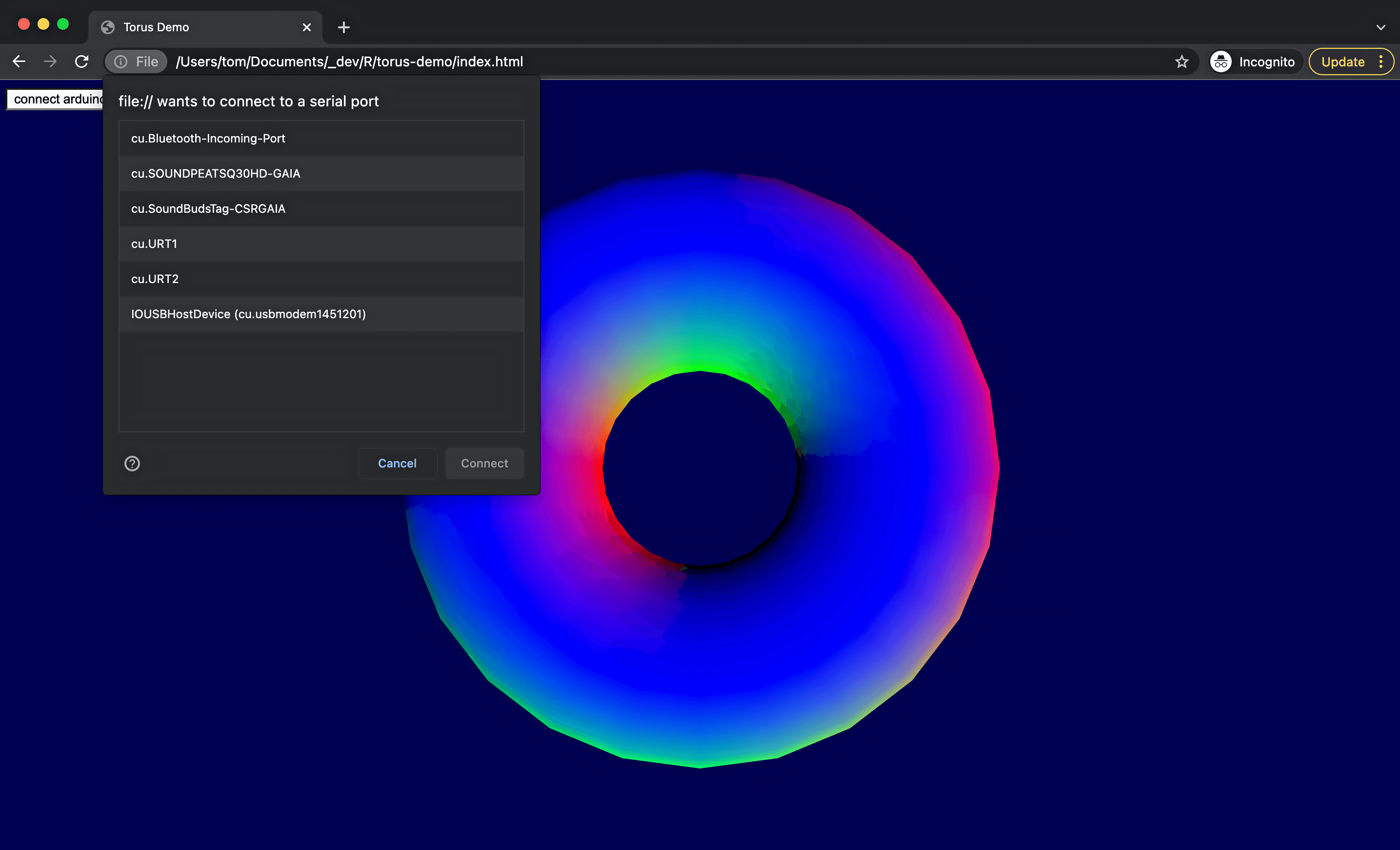
Open the index.html file in your Google Chrome browser, choose your board, and click connect.
If the site doesn't have access to any connected ports it has to wait until it has user activation to proceed. In this case, the API use the click event handler.
Since the controller only sends either 0 or 1, I am looking at all incoming values and adjusting the rotation.
this.button.addEventListener('click', async () => {

    let rotation = 0;

    const port = await navigator.serial.requestPort();
    await port.open({ baudRate: 9600 });
    const textDecoder = new TextDecoderStream();
    const readableStreamClosed = port.readable.pipeTo(textDecoder.writable);
    const reader = textDecoder.readable.getReader();

    while (true) {
        const { value, done } = await reader.read();
        if (done) {
            reader.releaseLock();
            break;
        }

        // value -> string.
        if(value.charAt(0) == "1"){
            rotation = 0.0045;
            console.log(rotation)
        }

        if(value.charAt(0) == "0"){
            rotation = -0.0045;
            console.log(rotation)
        }
    }

});I am looking forward to implement and test this setup with Touchdesigner.
Incremental Rotary Encoder : https://www.amazon.de/gp/product/B015GYY7XU/ref=ppx_yo_dt_b_asin_title_o05_s00?ie=UTF8&psc=1
Lazy Susan : https://www.amazon.de/gp/product/B07HMQKLHD/ref=ppx_yo_dt_b_asin_title_o04_s00?ie=UTF8&psc=1
Arduino UNO Rev3 : https://www.amazon.de/Arduino-Uno-Rev-3-Mikrocontroller-Board/dp/B008GRTSV6/ref=sr_1_3?keywords=arduino+uno+r3&qid=1646573389&sprefix=arduino+uno+%2Caps%2C82&sr=8-3