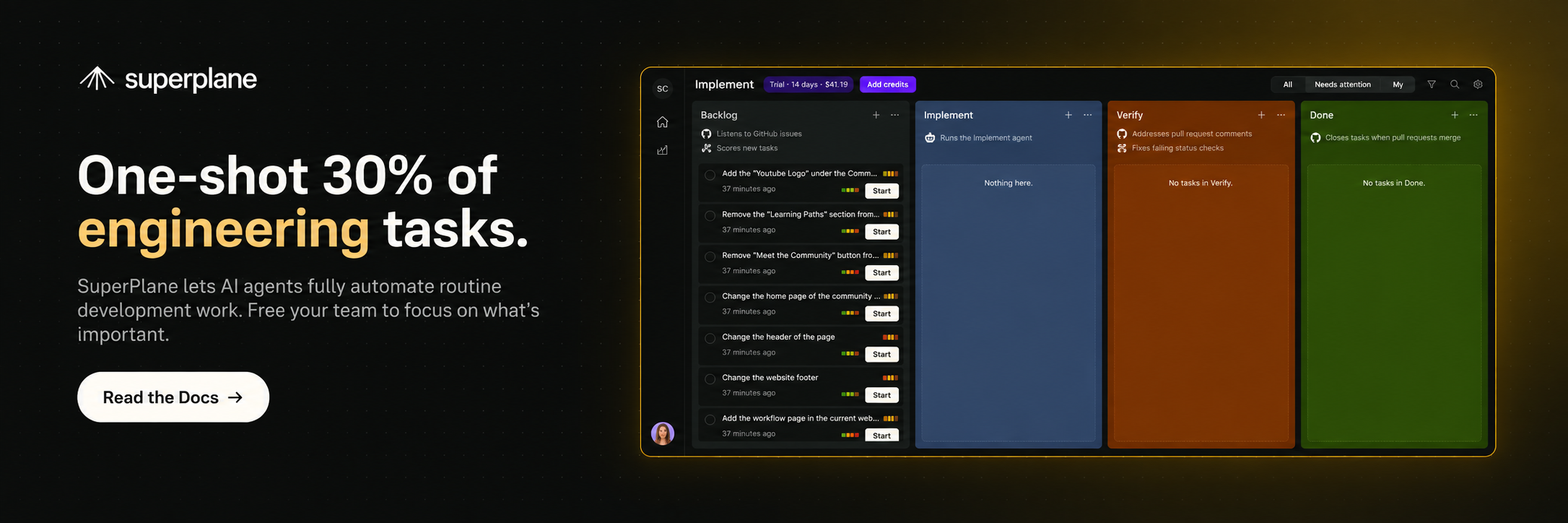
This repository powers the SuperPlane Factory documentation. SuperPlane is an open source AI software factory that turns development tickets into verified pull requests through repeatable intake, implementation, verification and review workflows.
Read the documentation · View SuperPlane on GitHub · Join Discord · Contribute
The documentation is built with Astro and Starlight, then deployed to docs.superplane.com through Cloudflare Pages.
It covers:
- Getting started with SuperPlane and building your first factory
- Software factory fundamentals, automations and pipeline stages
- Common use cases for tracked agent work
- Integrations and component reference pages
- Billing, open source participation, support and release notes
- A current Node.js Long-Term Support (LTS) release
- npm
Clone the repository and install its dependencies:
git clone https://github.com/superplanehq/docs.git
cd docs
npm install
Start the local development server:
npm run devOpen http://localhost:4321 to view the site. Astro reloads the page as you edit documentation and components.
Run these commands from the repository root:
| Command | Action |
|---|---|
npm install |
Install project dependencies |
npm run dev |
Start the local development server at localhost:4321 |
npm run check:text-only |
Confirm that the repository does not contain unsupported binary assets |
npm run generate:llms |
Regenerate public/llms.txt and public/llms-full.txt |
npm run build |
Validate the content and build the production site in dist/ |
npm run preview |
Preview the production build locally |
npm run astro -- --help |
Show the available Astro CLI commands |
npm run build runs the text-only check and regenerates the agent-readable documentation files before Astro builds the site.
| Path | What it contains |
|---|---|
src/content/docs/ |
Markdown and MDX documentation pages |
src/components/ |
Custom Astro and Starlight components |
src/config/ |
Sidebar configuration |
src/styles/ |
Site-wide styles |
src/assets/ |
Text-based assets such as SVG files |
public/ |
Static text files and generated agent indexes |
scripts/ |
Repository checks and index generation scripts |
astro.config.mjs |
Astro and Starlight configuration |
AGENTS.md |
Writing and repository guidance |
CONTRIBUTING.md |
Local setup and the contribution workflow |
Each .md or .mdx file under src/content/docs/ becomes a documentation route. Content is grouped into get-started, fundamentals, use-cases, integrations, components, billing, open-source, troubleshooting and release-notes.
Before editing content, read AGENTS.md for the writing, structure, terminology, linking, diagram and accessibility guidelines used across the site.
When adding or updating a page:
- Place the file in the appropriate directory under
src/content/docs/. - Add frontmatter with a
titleand a concisedescription. - Use site-root paths for internal links, such as
/get-started/overview. - Update
src/config/sidebar.mjswhen the page needs a manual navigation entry. - Run
npm run buildto catch invalid slugs, frontmatter errors and broken asset references.
Keep generated files out of manual edits. The build owns public/llms.txt and public/llms-full.txt.
The deployed site publishes:
/robots.txtfor crawler policy and sitemap discovery/llms.txtfor a concise, structured documentation index/llms-full.txtfor tools that need the complete documentation context
The LLM context files are generated automatically during npm run build and should not be edited manually. robots.txt controls crawler access; llms.txt helps an agent locate relevant documentation but does not grant access.
- Astro for the static site build
- Starlight for the documentation framework
- Mermaid for source-controlled diagrams
- Cloudflare Pages for deployment
- Cloudflare R2 for documentation images and videos
Contributions that improve accuracy, clarity, examples and navigation are welcome. Follow the setup and pull request workflow in CONTRIBUTING.md.
If something is missing, confusing or incorrect, open an issue. For questions and community support, join the SuperPlane Discord.