


NLP Chatbot Python Flask is a project concept centered on building conversational applications with Python, natural language processing (NLP), and the Flask web framework. It provides a starting point for exploring how user messages can flow from a web interface to language-processing logic and back as useful responses.
Whether you're learning backend development, prototyping a support assistant, or experimenting with language understanding, this project theme connects practical web development with conversational AI.
The idea: Keep the web layer simple, the NLP logic modular, and the conversation experience easy to improve.
| 🐍 Python | 🌐 Flask | 🧠 NLP | 🔌 Integration |
|---|---|---|---|
| Application logic | Web routes and APIs | Message processing | Connect a chat UI or client |
| Project direction | Description | Why it matters |
|---|---|---|
| FAQ Assistant | Match user questions to helpful answers | Explore intent handling |
| Support Chat Prototype | Build a conversational help flow | Practice dialogue design |
| Knowledge-Based Bot | Connect responses to approved reference content | Improve answer relevance |
| Learning Companion | Create guided question-and-answer interactions | Experiment with feedback loops |
| Chat API | Expose conversation endpoints through Flask | Connect web or mobile frontends |
These are suggested applications, not verified features of a specific downloadable build.
flowchart LR
    A[User Message] --> B[Flask Endpoint]
    B --> C[Input Validation]
    C --> D[NLP Processing]
    D --> E[Response Logic]
    E --> F[JSON Response]
    F --> G[Chat Interface]
The exact NLP implementation can vary: rules, intent classifiers, retrieval systems, or language models can all fit behind the processing layer.
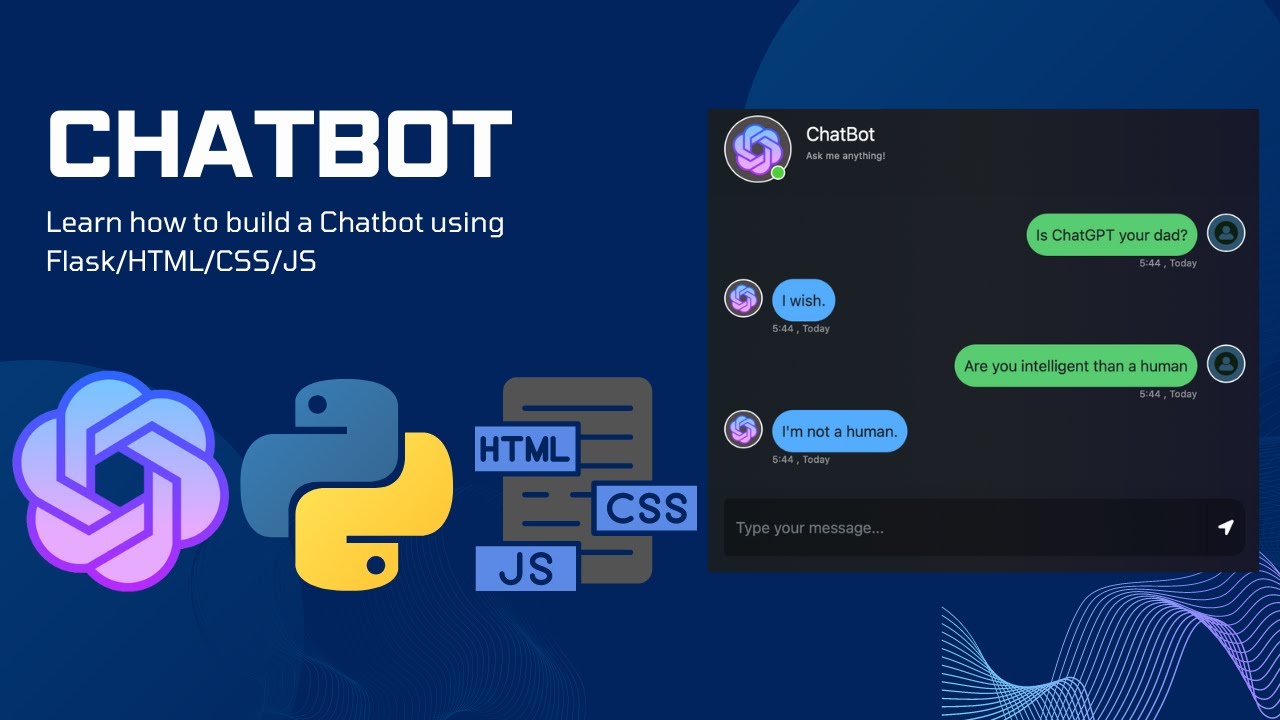
The following is a generic development workflow, not a verified installation guide for the linked package.
1. Prepare your environment
python -m venv .venvActivate the virtual environment using the command appropriate for your operating system.
2. Install dependencies
If the project includes a requirements.txt file:
pip install -r requirements.txt3. Review configuration
Check the repository for environment variables, NLP model files, and any setup instructions. Do not commit API keys or secrets.
4. Start the Flask application
Use the entry point documented by the actual project. For a conventional Flask app exposing an app object in app.py, a common development command is:
flask --app app run --debugDebug mode is for local development only. Use a production-ready server and appropriate security settings for deployment.
| Priority | Recommended approach |
|---|---|
| Clear API boundaries | Separate HTTP request handling from NLP processing |
| Safe input handling | Validate and limit incoming text |
| Reliable responses | Handle empty, unsupported, and ambiguous messages |
| Maintainability | Keep conversation logic in testable modules |
| Privacy | Minimize stored chat data and protect secrets |
| Observability | Log errors without unnecessarily recording sensitive messages |
- Start with a small set of supported intents before adding more complex NLP models.
- Test how the chatbot responds to typos, short messages, and unexpected input.
- Use structured JSON responses to simplify frontend integration.
- Keep training or reference data separate from Flask route handlers.
- Evaluate accuracy and latency with representative test conversations.
What does NLP mean?
Natural language processing is a field of computing focused on working with human language, including text analysis and language generation.
Why use Flask for a chatbot?
Flask is a lightweight Python web framework that can expose endpoints for sending messages and returning responses.
Does this require a cloud AI API?
Not necessarily. Some chatbot designs use local rules or models, while others rely on hosted services. The requirements of the linked project have not been verified.
Can I connect it to a custom frontend?
A Flask-based chat API can be designed for integration with a browser or mobile interface. Check the actual project's endpoints before integrating.
Where are the installation instructions?
Check the linked project resources for its actual file structure, dependencies, and supported startup commands.

💬 Build smarter conversations, one message at a time.