Repository navigation
Open pdf file blank or failed #287
Description

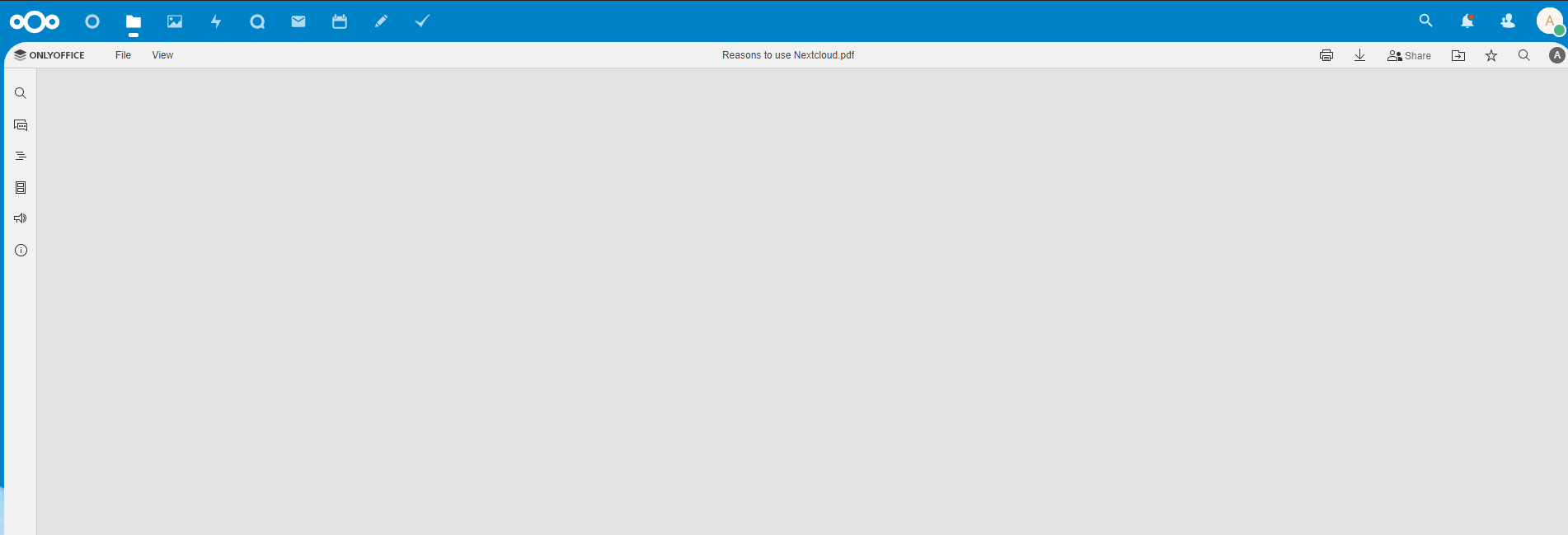
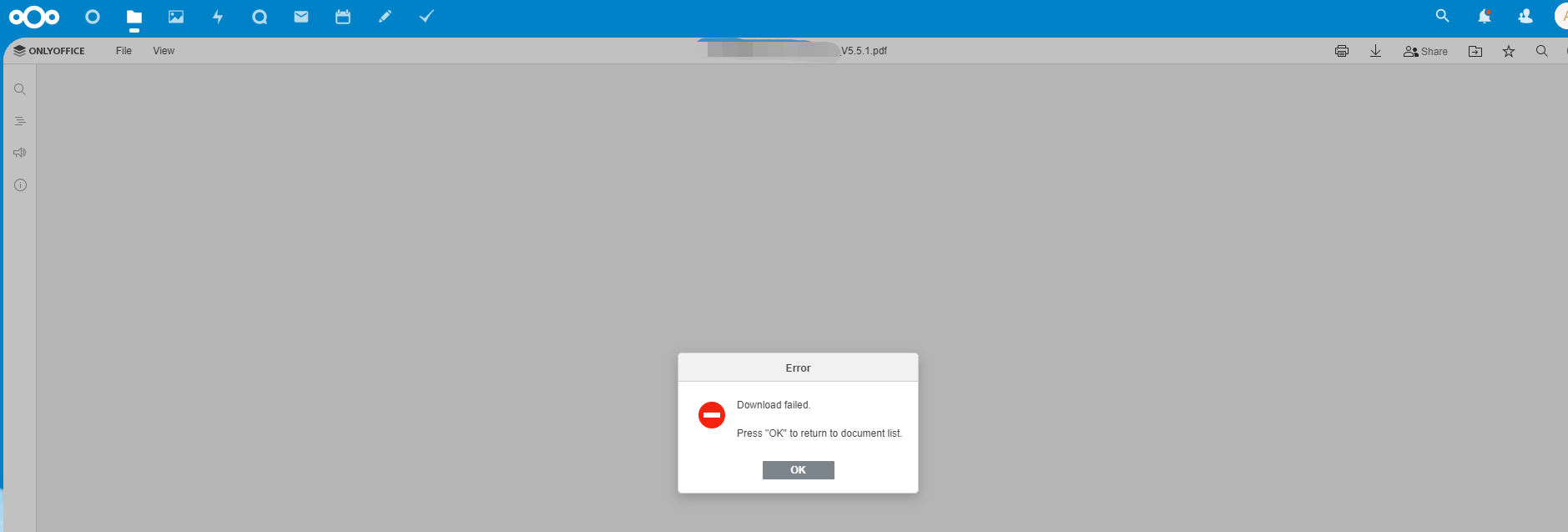
hello everyone I encountered a problem when using the Community Document Server. When opening a 139KB PDF document, it will display blank without content. When opening a 50MB PDF document, it will display failure
the is 954KB for PDF file
the is 50MB for PDF file
Ask for help
nextcloud 25.0.2
Community Document Server 0.1.13
Activity
c-prompt commentedon Apr 3, 2023
I'm experiencing the same problem:
The OpenOffice team suggested suggested posting here as Community Document Server is created by Nextcloud.
github-actions commentedon Feb 19, 2024
This issue has been marked 'stale' due to lack of recent activity. If there is no further activity, the issue will be closed in another 60 days. Thank you for your contribution!
Retaking repo management include inheritance of old, not treated, and probablty obsolete issues, this is why it was decided to mark issues as stale.
binaryfire commentedon May 2, 2024
I'm experiencing the same problem with 0.1.17 and OnlyOffice 9.2.0.
Looks like this issue has been open for more than 1 year. Does that mean this won't be fixed?
Pin the bundled font paths so PDF export is not blank (nextcloud#371, n…
Pin the bundled font paths so PDF export is not blank (#371, #251, #287…
chadek commentedon Sep 15, 2026
Fixed for v0.4.0, by #402, for the blank part of what you reported.
Your two screenshots are two different problems, and I want to be clear about which one this is. The 139 KB PDF opening blank is the one fixed here. The 50 MB PDF failing to open is not — that is a size/resource limit in the converter, and if it still bites you on v0.4.0 it is worth its own issue with the log line the conversion produces, which will now actually say something.
What it was.
server/FileConverter/bin/font_selection.binstores an absolute path to every bundled font, written by whichever machine ranallfontsgen— the build machine, for an app store install. When one of those paths does not resolve on the machine that is running, x2t's PDF writer printsCan't load fontfileon stdout, writes a PDF with no glyphs in it, and exits 0. Nothing was logged and nothing was thrown, so from everywhere else in the system a blank PDF and a good one were the same successful conversion. That is why this stood for four years: there was no failure to find.Same input, same binary, same exit code:
font_selection.binholds../../../core-fonts/The build already pinned
AllFonts.jsto paths relative to x2t's working directory and deliberately leftfont_selection.binalone, on a belief written into the Makefile: that its paths "are not used for loading". They are not used by the change-replay path that comment is about, which readsAllFonts.js. They are used by the PDF writer.What changed (#402):
font_selection.bin— verified first, sinceAllFonts.jsaccepting them does not prove it. The file is notsed-able (its strings are length-prefixed with a little-endian int32, so replacing one without fixing its prefix corrupts everything after it), so the rewriter is a real one, shared between the build and the runtime rebuild so both produce the same thing. Custom fonts live in appdata, outside the app directory, and keep the absolute paths they are found at.AllFonts.jscontaining/core-fonts/— including a stale one left over from the build — so a rebuild that wrote nothing at all reported success, and it never looked atfont_selection.binat all. It now verifies that this run wrote both files, that the write succeeded, and that every pinned path resolves; and it refuses up front, naming the file and the user, when it cannot write. That case is the shape of Exception: sh: ../../tools/allfontsgen: not found #145 andSegmentation faultwhile rebuilding fonts #278, each of which left the user with blank PDFs and no diagnostic.Can't load fontfileand logged, rather than discarding the one stream that mentioned it.occ documentserver:fontsalso returned 1 on success and 0 on failure, so anything scripting it was told the opposite of what happened.Proof.
tests/rig/pdf_test.pyis new — the rig had no PDF coverage at all, which is exactly why this survived. It asserts on extracted text rather than file size. Run againstmasterjust now, Nextcloud 34, ONLYOFFICE connector 10.1, bundled Euro-Office 9.3.4:The second case deliberately breaks a font path and checks that the blank PDF is now reported, so the silent-failure half cannot come back either. It was confirmed to fail against the pre-fix font file (
FAIL - "PdfFontProbe" is not in the 1937 byte PDF).This ships in v0.4.0, and the test runs in CI on pull requests and weekly.