


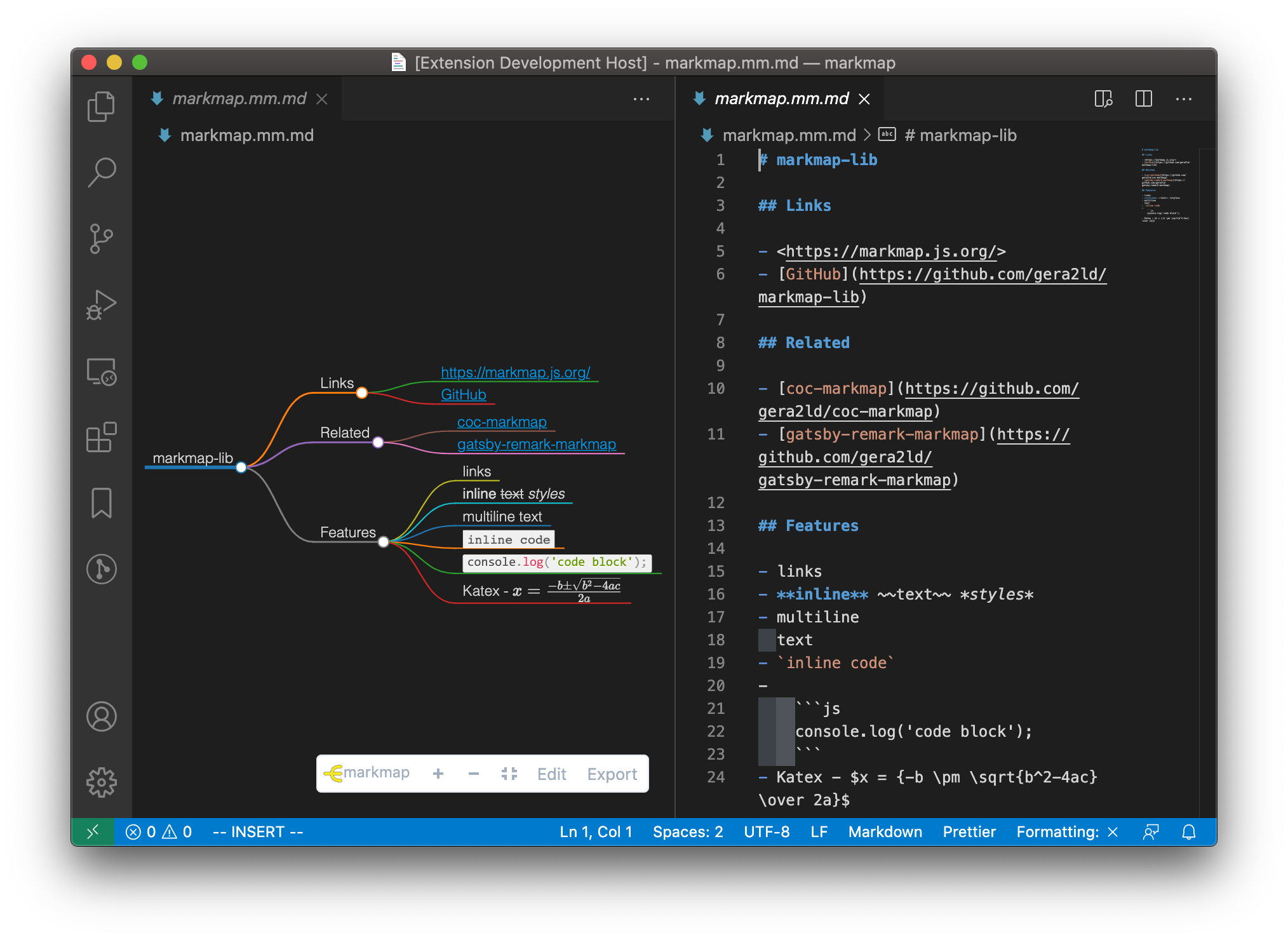
This extension integrates markmap into VSCode.
- Preview markdown files as markmap
- Edit markdown files in a text editor and the markmap will update on the fly
- Themes and layouts, set in frontmatter
- Export as HTML, SVG or PNG
- Works offline
Open a markdown file. Then open the Command Palette (⇧⌘P) and search Open as markmap, press enter.
Right click on a markdown file, then choose Open as markmap.
Open a markdown file. Find the markmap icon on the editor title-bar and click it.

Extra CSS for the page around the map. To change colors, set --mm-* properties on markmap-view. See Themes and layouts for the list.
markmap-view {
  --mm-link: rebeccapurple;
}
Default options for Markmap as JSON, see Options. Options in the frontmatter of a document win over these.