







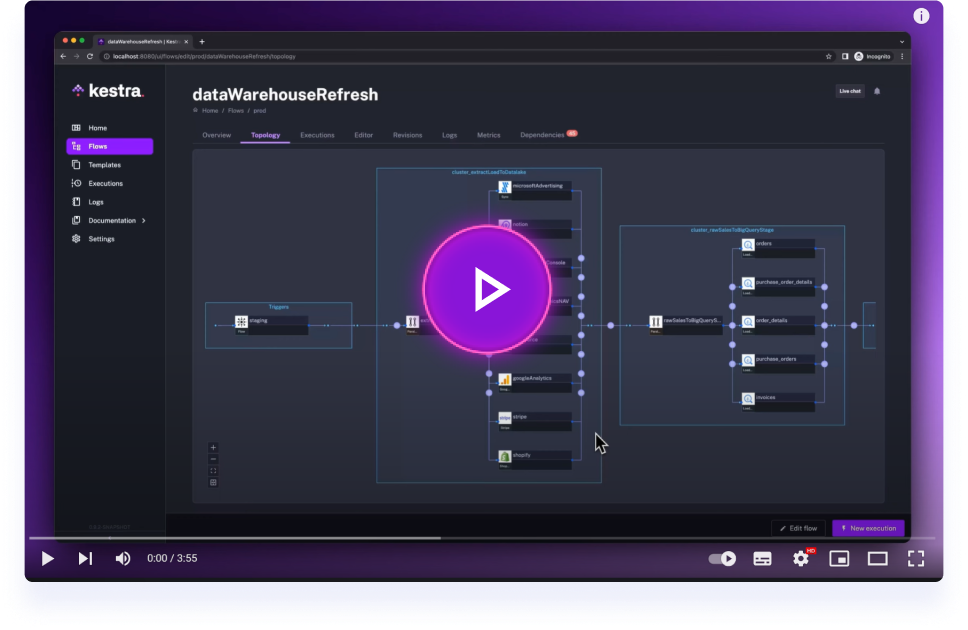
Get started with Kestra in 3 minutes.
- What user problem does this solve? Teams running Qlik Cloud analytics need to trigger app reloads and Qlik Automate automations as part of a broader orchestrated pipeline, instead of relying on Qlik's own scheduler in isolation.
- Why would a team adopt this plugin in a workflow? It lets a Kestra flow trigger a reload or an automation run, wait for it to finish, and react to its outcome (retry, alert, chain a downstream task) alongside the rest of the data pipeline.
- What operational/business outcome does it enable? Reload failures surface in the same place as every other pipeline failure, freshness of Qlik apps becomes trackable as a Kestra asset, and Qlik Automate runs can be sequenced with upstream data-loading tasks.
- Provides plugin components under
io.kestra.plugin.qlikcloud. io.kestra.plugin.qlikcloud.apps.Reloadtriggers a Qlik Cloud app reload and waits for completion. On success it emits an app asset — this requiresassets: { enableAuto: true }on the task, since Kestra's asset emission is opt-in (defaultfalse); without it, the emit is silently dropped even though the task's ownemitAssetsproperty defaults totrue:- id: reload type: io.kestra.plugin.qlikcloud.apps.Reload tenantUrl: https://mytenant.eu.qlikcloud.com apiKey: "{{ secret('QLIK_API_KEY') }}" appId: 60f2e3b1a1b2c3d4e5f6a7b8 assets: enableAuto: true
io.kestra.plugin.qlikcloud.automations.RunAutomationtriggers a Qlik Automate automation run and waits for completion.
- Build the shadow JAR:
./gradlew shadowJar. The output lands inbuild/libs/. - Run
docker compose up.docker-compose.ymlbuildskestra/kestra:latestand mountsbuild/libs/to/app/plugins/, so Kestra picks up the jar on startup. - Kestra UI is available at localhost:8080.
Mounting a host folder onto /app/plugins/ replaces the container's plugins directory rather than adding to it. Core plugins (the ones logged as Registered N core plugins) are compiled into Kestra itself and aren't affected, but any additional plugin normally bundled in the base image under /app/plugins/ (e.g. the Python script plugin) gets hidden once the mount is in place. If a flow you're testing depends on another plugin, copy its jar into build/libs/ too before starting the container.
On some hosts, command: server local fails with:
Unable to create JFR repository directory using base location (/tmp)
docker-compose.yml works around this by mounting /tmp as tmpfs. If you build your own compose file or run Kestra via docker run, add the same workaround, e.g. -v /tmp:/tmp or --tmpfs /tmp. Tracked upstream in kestra-io/kestra#17405.
- Full documentation can be found under: kestra.io/docs
- Documentation for developing a plugin is included in the Plugin Developer Guide
Apache 2.0 © Kestra Technologies
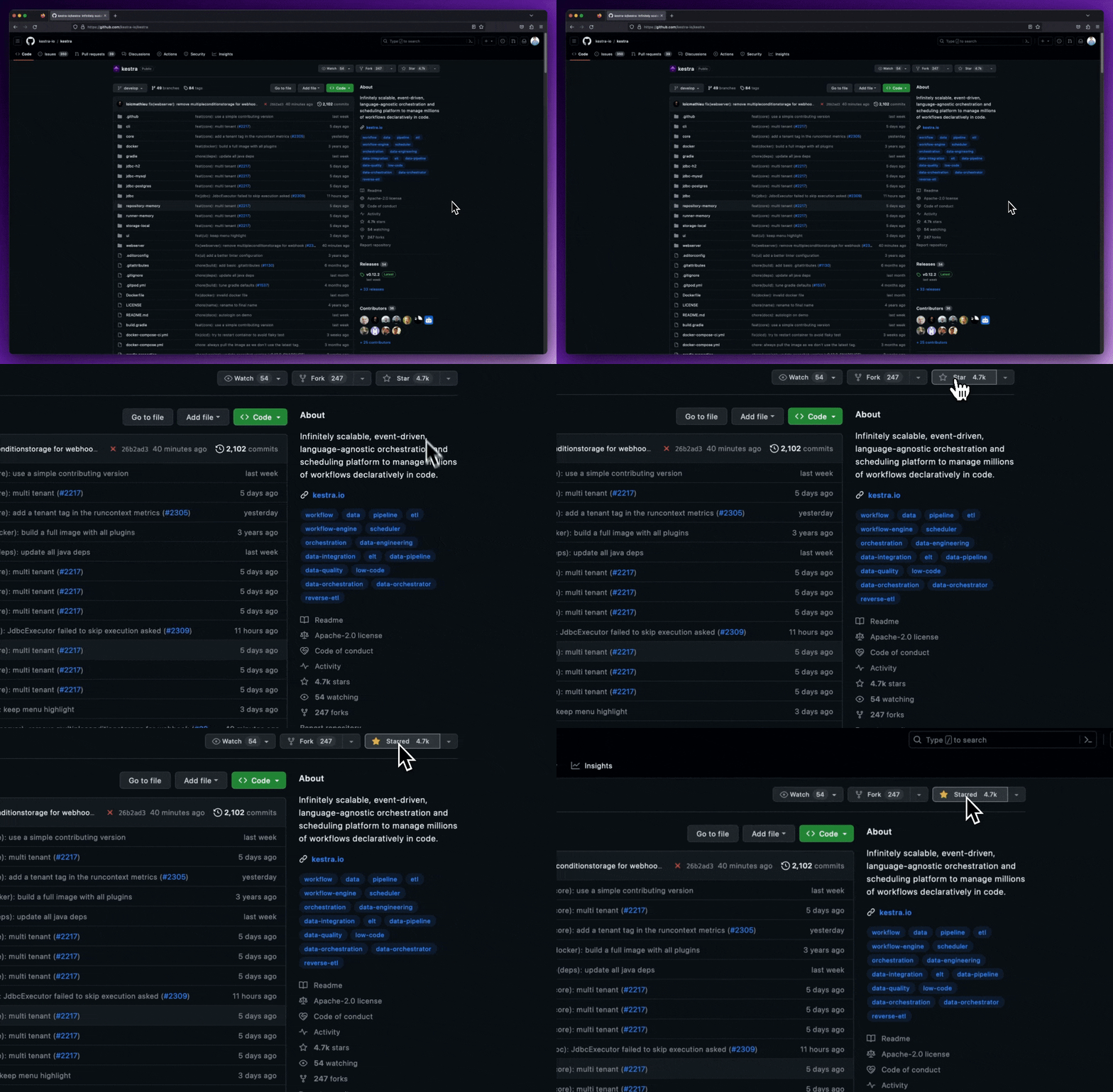
We release new versions every month. Give the main repository a star to stay up to date with the latest releases and get notified about future updates.