

Home Assistant integration for the cheap Bluetooth "cat" thermal printers
(GB01/GB02/GB03, GT01, X5/X6/X7 and the many rebrands) that speak the
51 78 protocol.
Works over Home Assistant's Bluetooth stack, including ESPHome Bluetooth proxies.
| X6h |
|---|
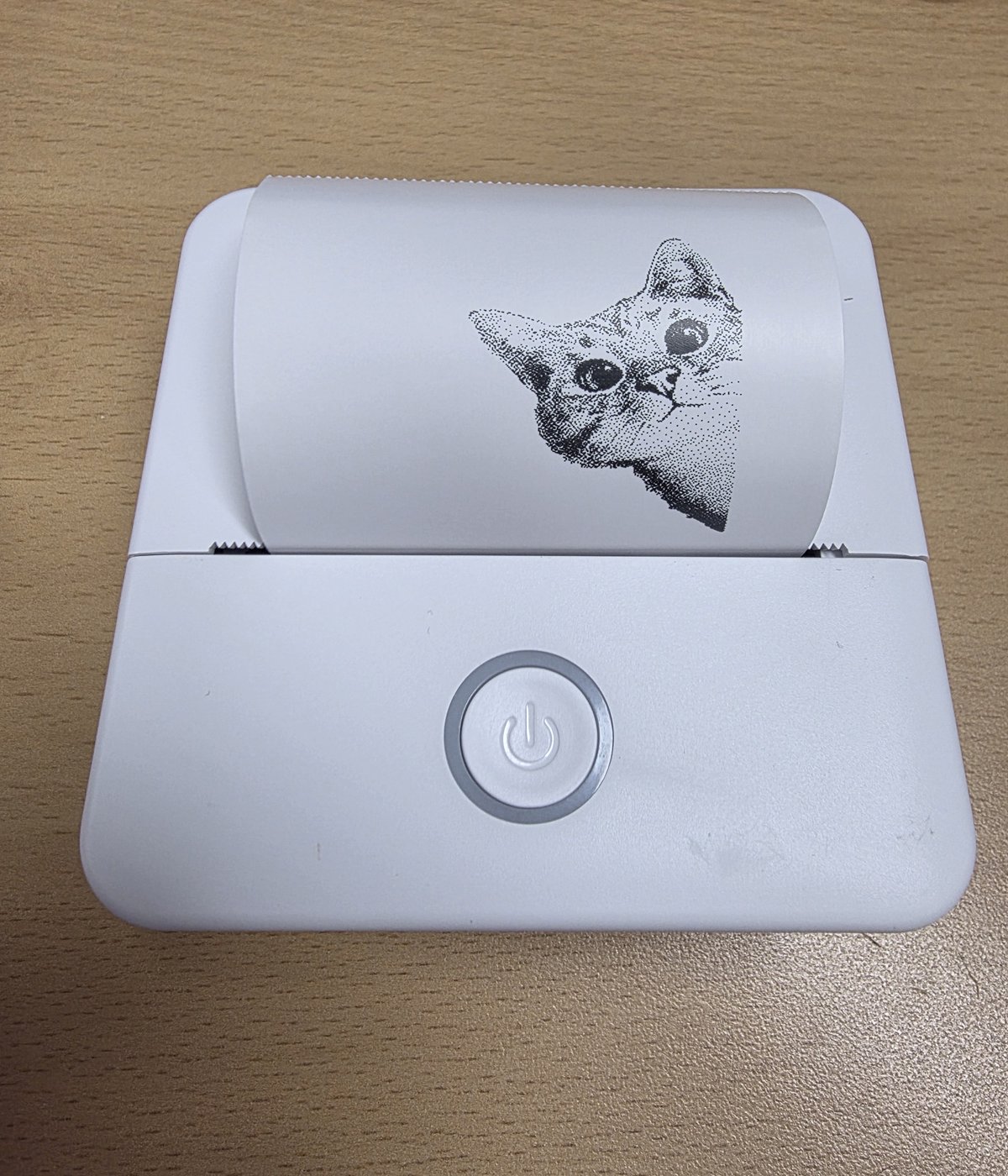 |
Any printer advertising as <model>-XXXX where <model> is in
models_data.py
(125 models, 1"–3" heads) is picked up automatically with that model's
MTU / pacing / heat settings.
| Status | Models |
|---|---|
| ✅ Confirmed | X6h (firmware 3.0.5D) — local adapter and ESPHome Bluetooth proxy |
| 🟡 Untested, same protocol | GB01, GB02, GB03(+SH/PH/PL/SL), GB04–06, GT01–04, X5/X6/X7 (+h/H/HP), X2h, X100–X103, SC03/SC04, LY01–05, P1/P2/P5/P6/P7, PR02/PR07, S101/S102, DY01/DY03, LT01, 58P5, WL01, M2, and the rest of the table |
| ❌ Not supported | FL01, KF-5, CP01, JRX01, QDX01, RS9000, DY49, SeznikNeo, WJ-HOT-PRT, wts07, XiaoWa — these require a per-model D1 secret. YMS-BT01 — different flow control. 4"/8" (A4) and Wi-Fi models — different data path. |
About the "h" models (X5h/X6h/X7h, P7, …): these are usually driven over Bluetooth Classic SPP, which Home Assistant cannot do. They also expose the same protocol over BLE GATT, which is what this integration uses — confirmed on X6h. If yours is in the table but does not respond, please open an issue with the advertised name.
Case matters in names: X6h and X6H are different models with different
heat settings, and the integration matches them separately.
- Add this repository to HACS as a custom repository (category Integration),
or copy
custom_components/catprinterinto yourcustom_components/. - Restart Home Assistant.
- Settings → Devices & services — the printer should be discovered when it is on. Otherwise Add integration → Cat Printer lists visible printers, and falls through to a manual step (address + model) if none is recognised.
Do not pair the printer in your phone's Bluetooth settings while testing; only one central can be connected at a time.
| Entity | Category | Source |
|---|---|---|
sensor.*_status |
ok / printing / out_of_paper / cover_open / overheating |
|
binary_sensor.*_out_of_paper, cover_open, overheating |
status bits | |
binary_sensor.*_printing |
live | |
image.*_last_print |
what was last rendered | |
sensor.*_battery |
diagnostic | A3 reply, decoded per the model's battery scheme |
sensor.*_conditions |
diagnostic | every active status bit, comma-separated |
sensor.*_print_duration |
diagnostic | last / current job |
sensor.*_label_sensor |
diagnostic, disabled by default | raw label sensor byte |
binary_sensor.*_low_battery, charging |
diagnostic | status bits |
binary_sensor.*_connection |
diagnostic | live |
Payload format: imagespec.
service: catprinter.print
target:
  device_id: <your printer>
data:
  payload:
    - type: text
      value: "{{ states('sensor.outdoor_temperature') }} °C"
      x: 8
      y: 8
      size: 40
    - type: qrcode
      data: https://www.home-assistant.io
      x: 8
      y: 64
      size: 120
  height: 200
  mode: image      # image | text (hotter, crisper profile)
  density: 4       # 1-7, 4 = default, ±15 % energy per step
  feed: 96         # dots to advance after the last row
Optional raw overrides: energy (heater energy, 0–65535), speed (per-row
delay, smaller is faster), copies, rotate, preview. Canvas width is
always the print head width (384 px on 2" models); only height is yours.
The response contains the rendered PNG as a data URL plus the energy/speed used.
Advance the paper by dots rows (8 dots ≈ 1 mm at 203 dpi).
Configure on the integration exposes:
-
Status poll interval — minutes between battery/status reads (default 15). Measured on X6h: the printer stays on and connectable for at least an hour idle, and drops an idle BLE link after about 8 minutes, so polling is a short connect–query–disconnect rather than a held connection.
-
Packet interval — pause between BLE writes; 0 is automatic: the profile value for your model (2–6 ms) on a local adapter, 20 ms through an ESPHome Bluetooth proxy. Raise if prints show missing bands.
-
Maximum packet size — cap regardless of negotiated MTU. Through an ESPHome proxy it is capped at 100 bytes automatically; an ESP32 drops write-without-response packets when fed full-size ones every few ms, which shows up as garbage bands or a print that stops early.
See docs/protocol.md: frame format, CRC, commands, row encoding, status decoding, print sequence and the profile table layout.
tools/probe.py checks whether a printer answers over GATT;
tools/print_test.py prints a test strip without Home Assistant.
MIT