


django-charsleft-widget is a custom widget that limits the number of characters that can be entered in a textarea field.
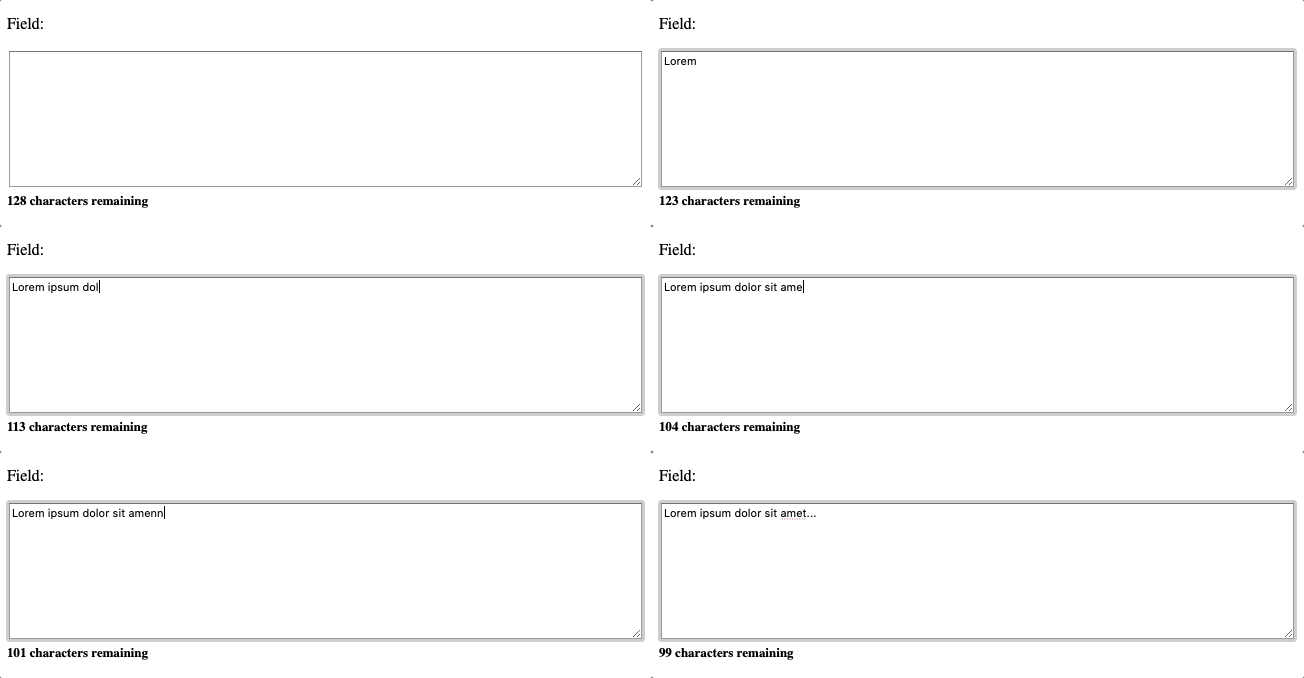
First install the module, preferably in a virtual environment. It can be installed from PyPI:
pip install django-charsleft-widgetAdd charsleft_widget to INSTALLED_APPS:
INSTALLED_APPS += (
    'charsleft_widget',
)
and just include charsleft_widget templates
{% include "charsleft_widget/charsleft_widget_css.html" %} {# Before the closing head tag #}
{% include "charsleft_widget/charsleft_widget_js.html" %} {# Before the closing body tag #}
When deploying on production server, don't forget to run:
python manage.py collectstaticAll you need now is to import ClearableInput class and override
field's widget, for example:
from django.forms.fields import CharField

from charsleft_widget import CharsLeftArea

class Form(forms.Form):

    field = CharField(max_length=128, widget=CharsLeftArea)
Please see example application. This application is used to
manually test the functionalities of this package. This also serves as
a good example.
You need Django 5.2 or above to run that.
If you like this module, forked it, or would like to improve it, please let us know! Pull requests are welcome too. :-)
django-charsleft-widget is released under the BSD license.