GameMaker VM runner in C++20
Bytecode 15 and 16, no YYC support
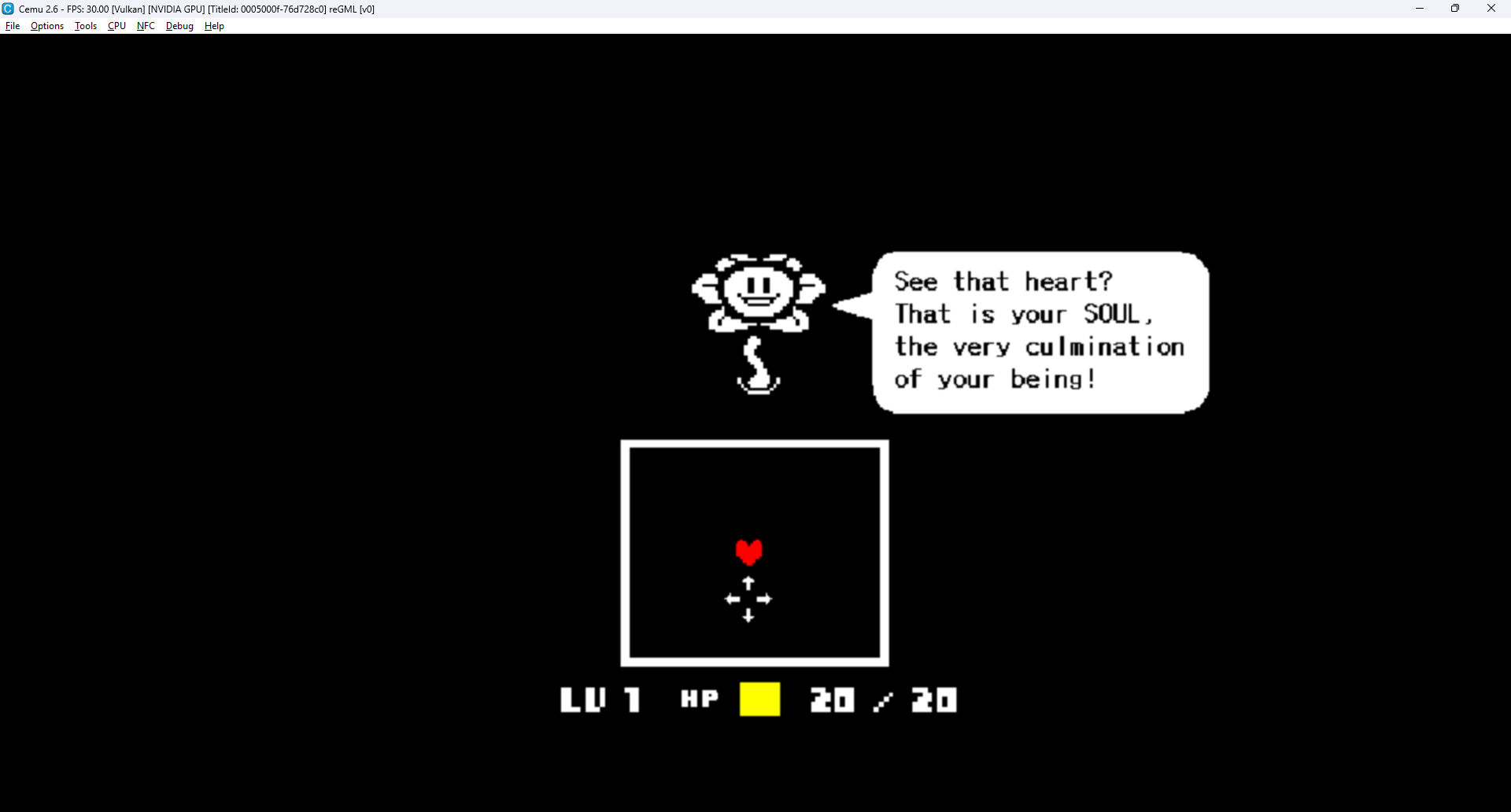
Tested with Undertale on Windows and with the Wii U build in Cemu 2.6 Linux builds are checked in CI
Compatibility is incomplete, no full playthrough verified Wii U hardware is untested and particle effects are slow
Requires C++20, CMake 3.24+, libpng, zlib, libvorbisfile and SDL2
.\tools\build.ps1 -Configuration Release -TestDependencies default to the compiler's toolchain prefix
Use -DependencyPrefix <path> for PNG, Vorbis and zlib, and -SdlPrefix <path> for SDL2
Use -NoVideo for a headless build
cmake -S . -B build -DCMAKE_BUILD_TYPE=Release
cmake --build build --config Release
ctest --test-dir build --output-on-failure -C Release
For headless builds, add -DREGML_SDL2=OFF when configuring
The optional miniaudio output backend can be tried in a separate desktop build:
cmake -S . -B build/miniaudio -DREGML_MINIAUDIO=ON -DCMAKE_BUILD_TYPE=Release
cmake --build build/miniaudio --config Release
It only replaces the output device. Decoding and mixing still use audio/sdl; the default SDL output is unchanged. Wii and Wii U builds do not support this option.
OpenAL can also be selected for desktop audio output. Install OpenAL Soft, then configure with -DREGML_OPENAL=ON. It uses the same decoder and mixer as the default SDL output.
.\build\direct\regml.exe run 'C:\path\to\data.win'Keep external audio files in the same directory as data.win
Game files are not included
The PowerShell build outputs build/direct/regml.exe
CMake outputs build/regml, build/regml.exe or build/Release/regml.exe
For 4x speed:
.\build\direct\regml.exe run 'C:\path\to\data.win' --speed 4x--speed accepts values from 0.01 to 1000, with an optional x suffix
Hidden and headless runs have no frame delay
Add --debug-overlay to show FPS, frame time, room, GML code and bytecode address
Install devkitPro and run these in its MSYS2 terminal Run the build commands from the repository root
pacman -Syu
pacman -S --needed cmake ninja wiiu-dev wiiu-sdl2 ppc-libpng ppc-libvorbis

/opt/devkitpro/portlibs/wiiu/bin/powerpc-eabi-cmake -S . -B build-wiiu -DCMAKE_BUILD_TYPE=Release -DREGML_WIIU=ON -DBUILD_TESTING=OFF
cmake --build build-wiiu --config Release
Outputs: build-wiiu/regml.rpx and build-wiiu/regml.wuhb
Put data.win and external audio files in sd:/reGML/
- Aroma: copy
regml.wuhbtosd:/wiiu/apps/reGML/and launch with Homebrew on Menu - Tiramisu: copy
regml.rpxtosd:/wiiu/apps/reGML/and launch with the Homebrew Launcher
Saves: sd:/wiiu/apps/reGML/saves/
Tested with Cemu 2.6
- Put
data.winand external audio files insdcard/reGML/inside the Cemu directory - Configure a Wii U GamePad in Input settings
- Enable TV audio in General settings > Audio
- Open
build-wiiu/regml.wuhbthrough File > Load
| Controller | GML key |
|---|---|
| D-pad | Arrow keys |
| A | Z |
| B | X |
| X / Y | C |
| Start | Enter |
Trace logs and input scripts: docs/wiiu.md
The Wii build uses libogc for video, input, and audio, with direct GX rendering. The VM is shared with desktop and Wii U. SDL2 is not linked. Wii code is in src/platform/wii/.
GX renderer ? Optional 240p builds
Install devkitPro and run these in its MSYS2 terminal:
pacman -S --needed cmake ninja wii-dev ppc-libpng ppc-libvorbis ppc-zlib

/opt/devkitpro/portlibs/wii/bin/powerpc-eabi-cmake -G Ninja -S . -B build/wii \
  -DCMAKE_BUILD_TYPE=Release -DREGML_WII=ON -DBUILD_TESTING=OFF
cmake --build build/wii --config Release
This produces build/wii/regml.dol. Copy it to sd:/apps/reGML/boot.dol and launch it from the Homebrew Channel. Put data.win and external audio files in sd:/reGML/.
For the debug HUD, put an empty regml-debug.enabled file beside data.win.
The DOL cross-builds; Wii hardware and Dolphin have not been tested. Rendering still uses the software framebuffer.
.\build\direct\regml.exe inspect 'C:\path\to\data.win' --code --strings
.\build\direct\regml.exe audit 'C:\path\to\data.win'
.\build\direct\regml.exe disasm 'C:\path\to\data.win' 0 --linkedUndertale regression checks:
.\tools\test-undertale.ps1 -DataFile 'C:\path\to\data.win'Audio decoding, mixing and collision mask checks:
cmake -S . -B build/audio-test -DREGML_UNDERTALE_DATA='C:\path\to\data.win'
cmake --build build/audio-test --config Release
ctest --test-dir build/audio-test --output-on-failure -C Release
Audio tests do not check playback through a physical output device
Include the game version, reproduction steps and error output in bug reports Keep runtime fixes general to GameMaker Build and run the relevant tests before submitting changes
Do not commit game files, extracted assets, saves or screenshots
Undertale on desktop
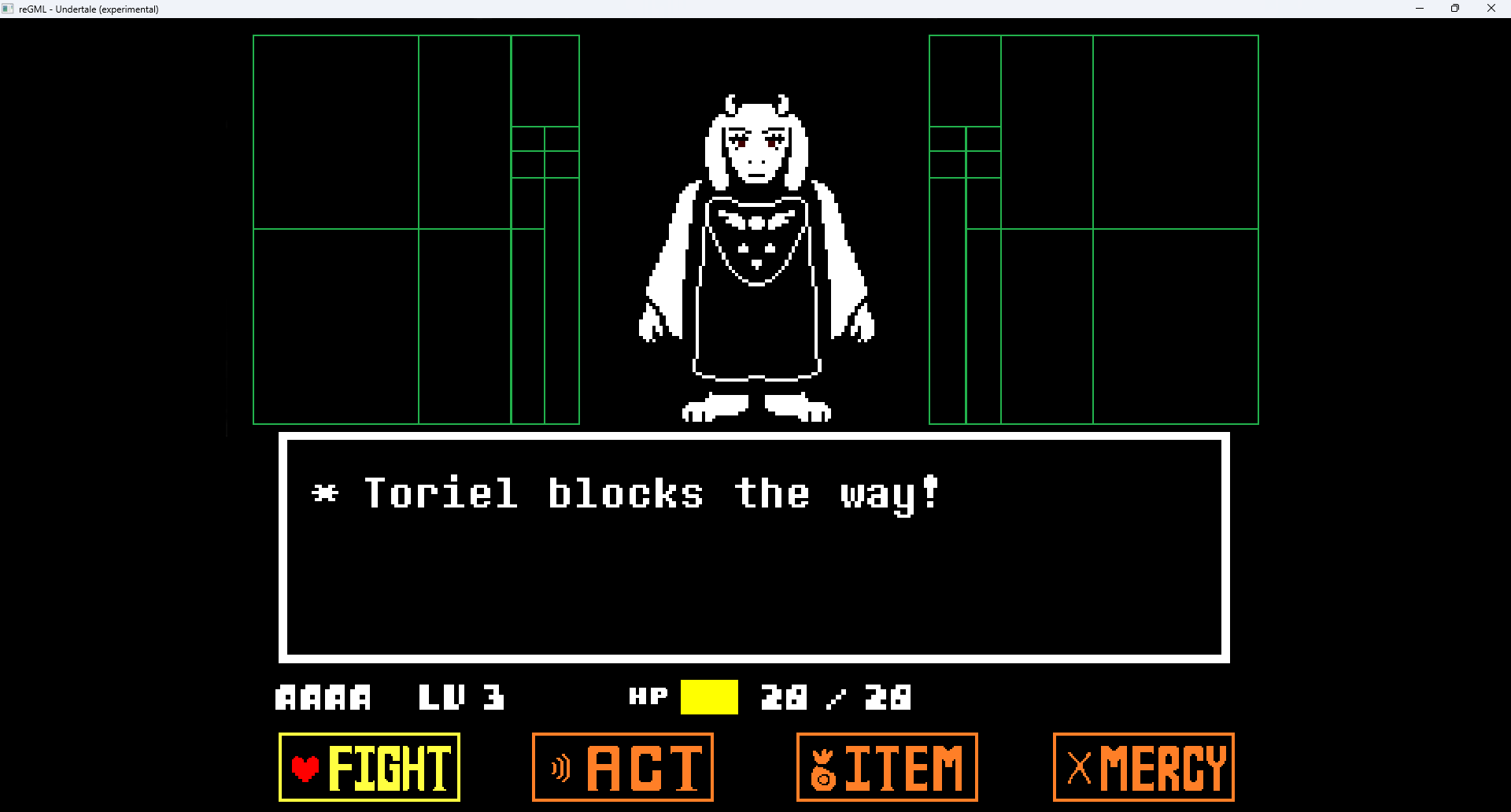
Asriel encounter running in reGML on desktop
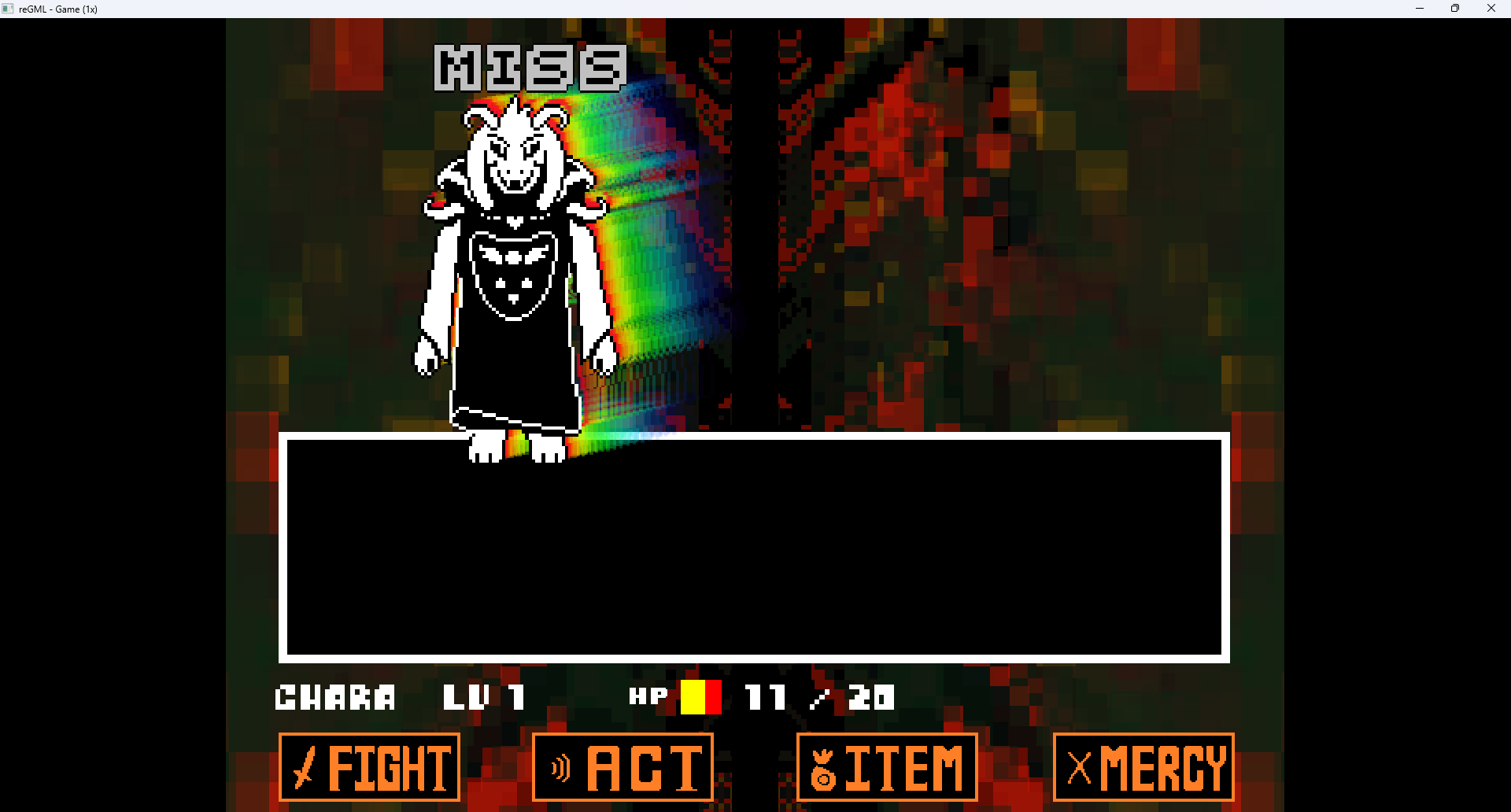
Undertale with the Wii U build in Cemu