Repository navigation
06. Running Methods
In Java Debugger methods with basic types (primitive, string, enum, array of any three) as arguments can be ran. To run them, double click the method.
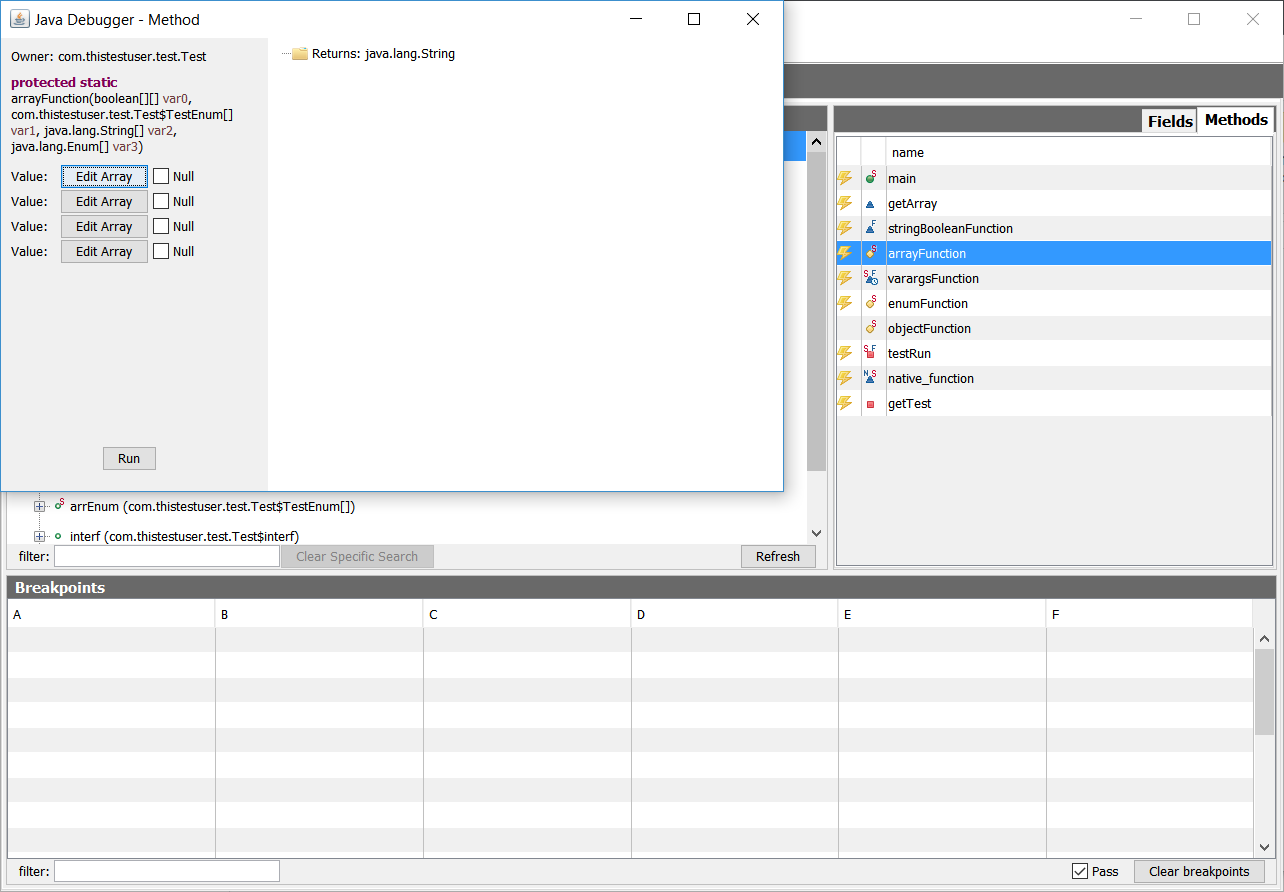
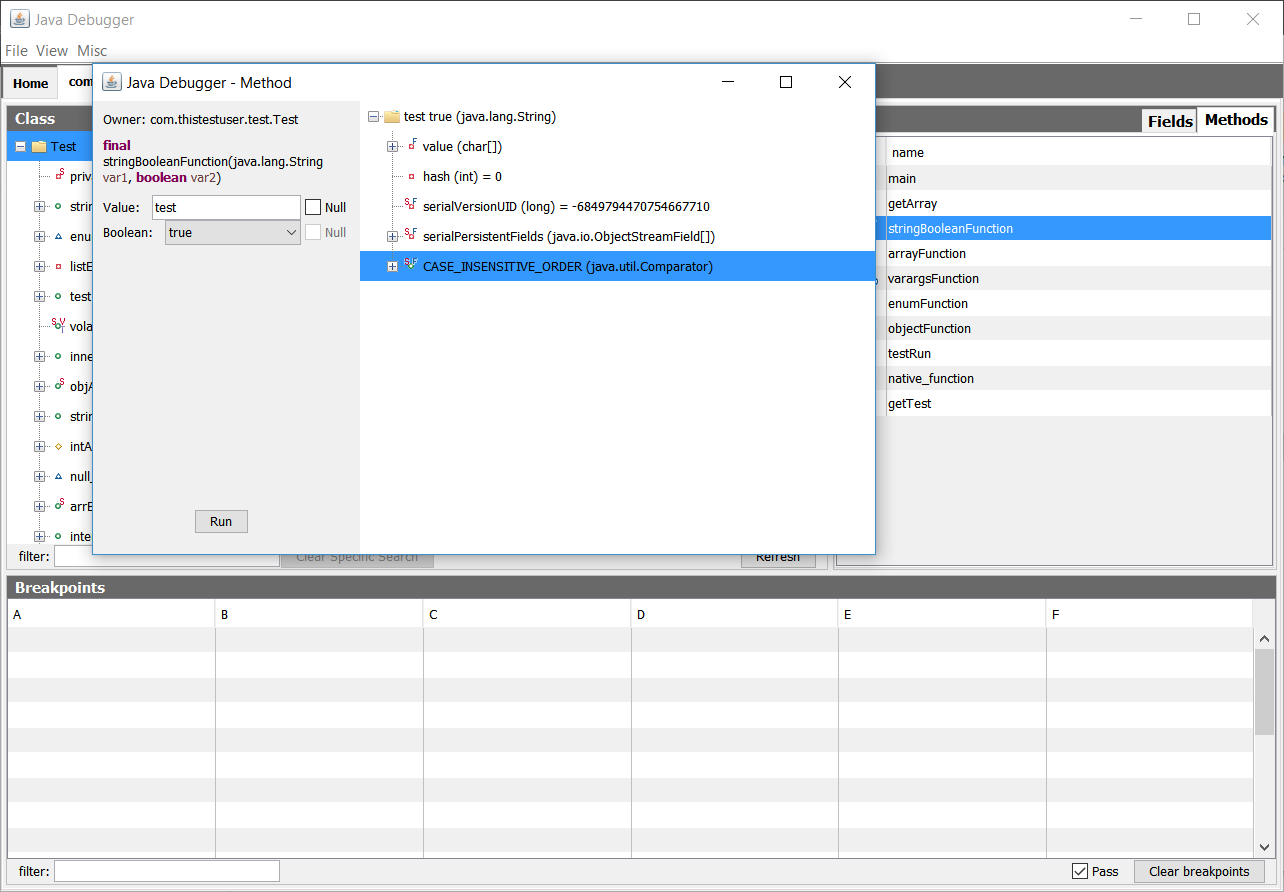
When you are done setting your arguments, press run and the result should pop up on the right. To load the result as a tab, right click the folder and press "Load as Tab". Arrays aren't loadable, but primitives can be (they will be boxed). To load a field in the result class (for example, in the bottom picture, I want to load the field "CASE_INSENSITIVE_ORDER"), right click that and press "Load as Tab". Like the field tree at the main screen, the class loaded will be the value's class.
Unrunnable methods can be clicked, but they won't be runnable.