
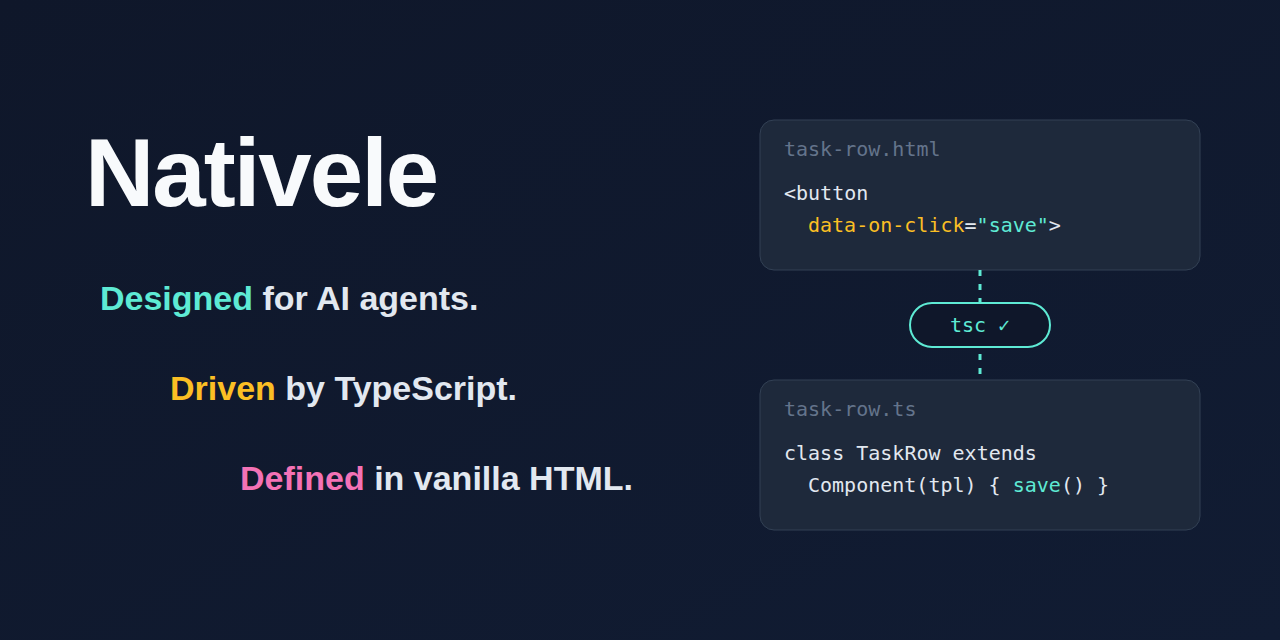
Designed for AI agents. Driven by TypeScript. Defined in vanilla HTML.
Nativele publishes this library as @nativele/ts-dom (import it from @nativele/ts-dom); its command line tool is ts-dom.
English | 繁體中文
A lightweight library for building web components: HTML describes the structure and where data goes, TypeScript owns behavior and state, and the native DOM renders it, with no virtual DOM and no template expressions. Complex UI is built by composing native custom elements.
Nativele is made for AI coding agents. An agent writes a template and a class, runs ts-dom check, and corrects its own mistakes from the type errors: a name the HTML uses that the class does not have, an event handler that does not exist, list items of the wrong shape.
There is no template language to learn and no hidden reactivity to reason about, so what the agent reads in the HTML and the class is all that happens.
Every diagnostic names its rule and ends with a Fix: hint the agent can apply. llms.txt describes the whole API on one page, and Nativele Skills give agents verified procedures for building components and for using them with other tools.
<!-- user-card.html: HTML only describes structure, where data goes, and which method handles an event -->
<h2>Hello, {{ name }}!</h2>
<button type="button" data-on-click="rename">Rename</button>
<p data-if="admin">Admin</p>
import { Component, define } from "@nativele/ts-dom";
import tpl from "./user-card.html.js"; // generated by ts-dom check (or ts-dom gen), fully typed
class UserCard extends Component(tpl, {
state: { name: "Ada", admin: true }, // data lives only here; {{ name }} and data-if="admin" bind to the same-named fields automatically
}) {
rename() {
this.set({ name: "Grace" }); // the only entry point for changing data; the view updates automatically
}
}
define("user-card", UserCard);Six things cover most components:
- HTML only names things:
{{ name }}(text),data-ref="x"(an element you need),data-if="x"(shown or not),<template data-each="x">(a list),data-on-click="method"(an event),<slot>. There are no expressions; compute in TypeScript. - Run
npx ts-dom checkafter every.htmlor component change. It writes the typedx.html.tsthatimport tpl from "./x.html.js"needs, then runstscand lint and points each error at the template; until it is generated,tsccan only say the module is missing. - Data lives in the class:
state(yours),props(the parent's),derive(computed). Change state only withthis.set();{{ }}anddata-ifwith the same name update by themselves. - Everything else goes in
render(view, changed): lists, attributes, focus. A list of components is one assignment,if (changed.has("todos")) this.lists.todos.items = view.todos, withdata-keyanddata-propon its<template data-each>. - Props go down, events go up: the parent sets props; the child calls
this.emit("name", detail)and the parent handles it withdata-on-nameon the child's tag. - A handler is a public method
(event, hit); inside a list itemhit.keyis the item's key.
Nativele ships Skills with the package: task procedures for coding agents, each with set-up steps, a complete example, known limitations, the commands that verify the result, and the exact versions it was verified with. The guides hold the facts about the API; a Skill tells an agent how to do a job with them.
npx ts-dom skills                      # list the Skills in the installed version
npx ts-dom skills nativele-core        # print one
npx ts-dom skills add nativele-core    # copy it into .claude/skills/ (when the project has .claude) or .agents/skills/
npx ts-dom skills also shows which Skills cover your project's dependencies, for example nativele-react when React is one.
The list of Skills, their tiers and how to contribute one are in the Skills guide.
If your agent does not load Skills, add this line to its instructions (AGENTS.md, CLAUDE.md or similar): "Before working on Nativele components, run npx ts-dom skills nativele-core and follow it."
npm i -D typescript && npm i @nativele/ts-dom   # and a tsconfig.json: module NodeNext, lib with DOM, strict (see the setup guide)
npx ts-dom check    # generate x.html.ts (fully typed) for every x.html, type-check and lint; run it after every change
npx tsc             # compile; no Vite or other bundler needed
The setup guide has the tsconfig.json and the package.json settings. The example below is made of real, runnable files in examples/readme/ (type-checked, linted, and tested).
When an item has anything of its own (state, events, a nested list), make it a component and fill the list with one assignment. The item component receives its task as a prop and sends changes up as events:
<!-- task-row.html -->
<label><input type="checkbox" data-ref="done" data-on-change="toggle" /> {{ title }}</label>
<button type="button" data-on-click="drop">Remove</button>
// task-row.ts
import { Component, define, event } from "@nativele/ts-dom";
import tpl from "./task-row.html.js";
export interface Task {
id: number;
title: string;
done: boolean;
}
/** One item of the list: it receives its task as a prop and asks the parent for changes through events. */
export class TaskRow extends Component(tpl, {
props: { task: null as Task | null },
derive: { title: (s) => s.task?.title ?? "" },
emits: { "task-toggle": event(), "task-remove": event() },
}) {
override render(view: { task: Task | null }): void {
const done = view.task?.done ?? false;
if (this.refs.done.checked !== done) this.refs.done.checked = done;
}
toggle(): void {
this.emit("task-toggle");
}
drop(): void {
this.emit("task-remove");
}
}
define("task-row", TaskRow);The parent names, on the <template data-each>, the field that identifies an item (data-key) and the prop that receives it (data-prop), and assigns the whole list in render:
<!-- task-board.html -->
<form data-on-submit="add">
  <input data-ref="title" aria-label="New task" />
  <button type="submit">Add</button>
</form>
<button type="button" data-on-click="sortByTitle">Sort by title</button>
<ul>
  <template data-each="tasks" data-key="id" data-prop="task">
    <task-row role="listitem" data-on-task-toggle="toggleTask" data-on-task-remove="removeTask"></task-row>
  </template>
</ul>
// task-board.ts
import { Component, define } from "@nativele/ts-dom";
import type { EventHit } from "@nativele/ts-dom";
import type { Task } from "./task-row.js";
import tpl from "./task-board.html.js";
export class TaskBoard extends Component(tpl, { state: { tasks: [] as Task[], nextId: 1 } }) {
add(e: Event): void {
e.preventDefault();
const title = this.refs.title.value.trim();
if (!title) return;
this.set((s) => ({ tasks: [...s.tasks, { id: s.nextId, title, done: false }], nextId: s.nextId + 1 }));
this.refs.title.value = "";
}
// A changed task is a new object: the list sets the prop only on items that are not the same object as before.
toggleTask(_e: Event, hit: EventHit<Task, "id">): void {
this.set((s) => ({ tasks: s.tasks.map((t) => (t.id === hit.key ? { ...t, done: !t.done } : t)) }));
}
removeTask(_e: Event, hit: EventHit<Task, "id">): void {
this.set((s) => ({ tasks: s.tasks.filter((t) => t.id !== hit.key) }));
}
sortByTitle(): void {
this.set((s) => ({ tasks: [...s.tasks].sort((a, b) => a.title.localeCompare(b.title)) }));
}
override render(view: { tasks: readonly Task[] }, changed: ReadonlySet<"tasks">): void {
if (changed.has("tasks")) this.lists.tasks.items = view.tasks;
}
}
define("task-board", TaskBoard);Adding, removing, sorting and toggling all go through this.set(); the list keeps the element of each task that stays (so a checkbox keeps its focus), creates one for a new task, removes the ones that are gone, and sets task only on items that are a new object. tsc checks that the assigned items match the task prop of <task-row> and have an id.
- examples/signup: a signup form. Three components composed (
signup-form→form-field,entry-row), coveringpropsdown,emitsup, child components inside lists (hit.key),derivevalidation, and form input without cursor jumps; the corresponding real Chrome test is in browser/signup.test.ts. - examples/user-card: the minimal example, covering
stateautomatic binding,data-on-click, lists, and slots. - examples/todo: a complete todo list, covering
stateandderive,data-on-*event delegation (includinghit.keyfor list items), filtering, an empty state,aria-pressed, andskipUnchanged; it has a corresponding real Chrome end-to-end test (browser/todo.test.ts). - examples/recipes: a contacts screen for the Recipes guide, covering loading and error states from a shared store, a filtered list, a modal dialog with form validation, and typed
hit.key; its real Chrome test is browser/recipes.test.ts.
The full guide is in English:
- Templates: HTML syntax, generated types, templates without a component, Trusted Types, translations and icons
- Components and data flow: state, props, derive, events, composition, stores
- Recipes: loading and error states, store data, filtered lists, dialogs, form validation
- Lists: lists of components with
items =, plain lists withreplace(), moving items - Architecture: feature folders, shared components and stores, pages mounted by a router, where state lives, testing strategy
- Setup, checks and lint: installation, Vite, oxlint,
ts-dom check,ts-dom doctor, accessibility - Performance: the large list benchmark
- Design: principles, deliberate decisions, limitations
- Developing Nativele: project structure, tests