Repository navigation
Blurry text (WPF) #53

Description
Activity
I was looking into why my text was blurry at some points (including the demo app), un-doing these changes actually greatly decreases the blurryness for me. Even the html popup is now crisp clear.
I will test it on multiple machines and scaling this week, but for me this is what makes things blurry.
(I'm on 100% scaling)(demo app: a before (current), and after(commenting the changes made in this PR))
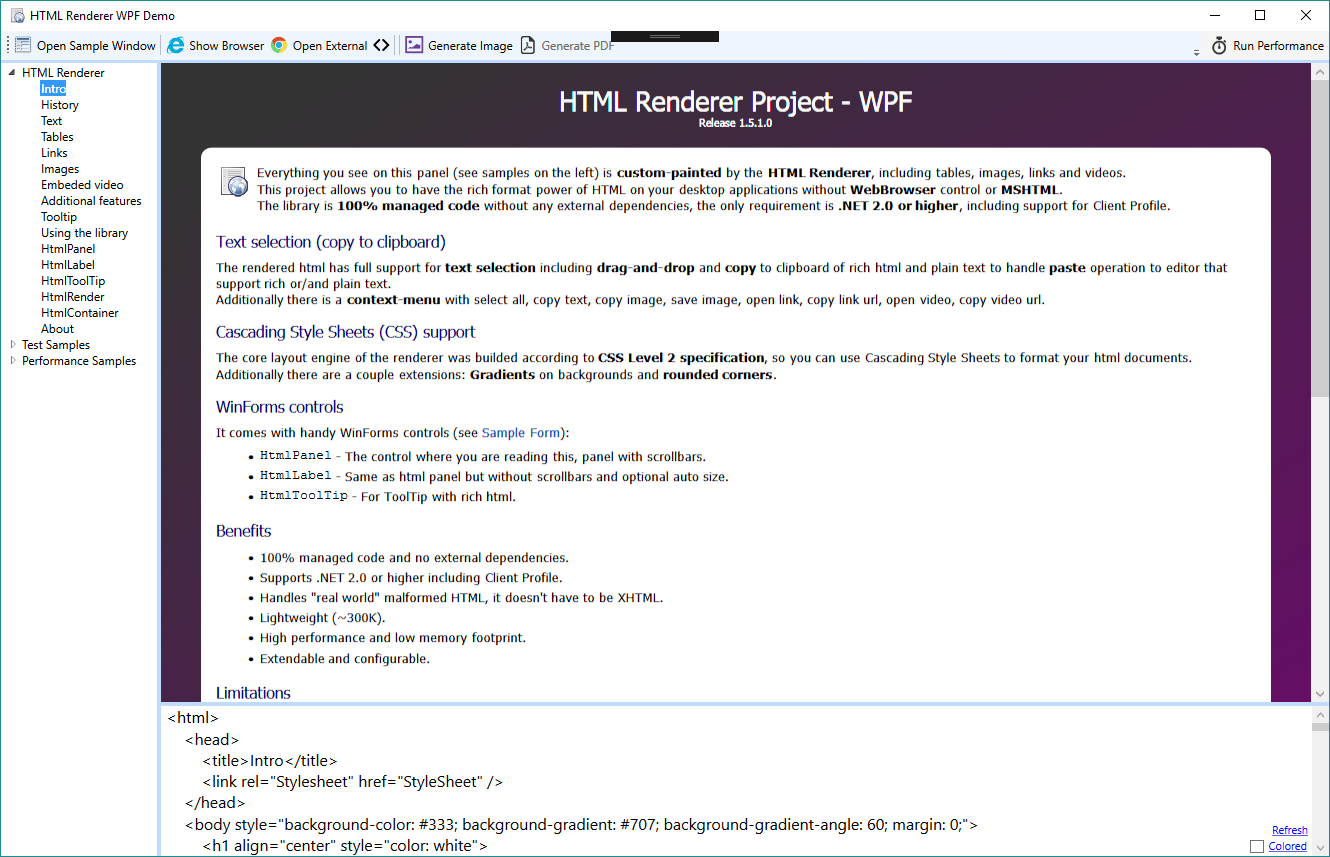
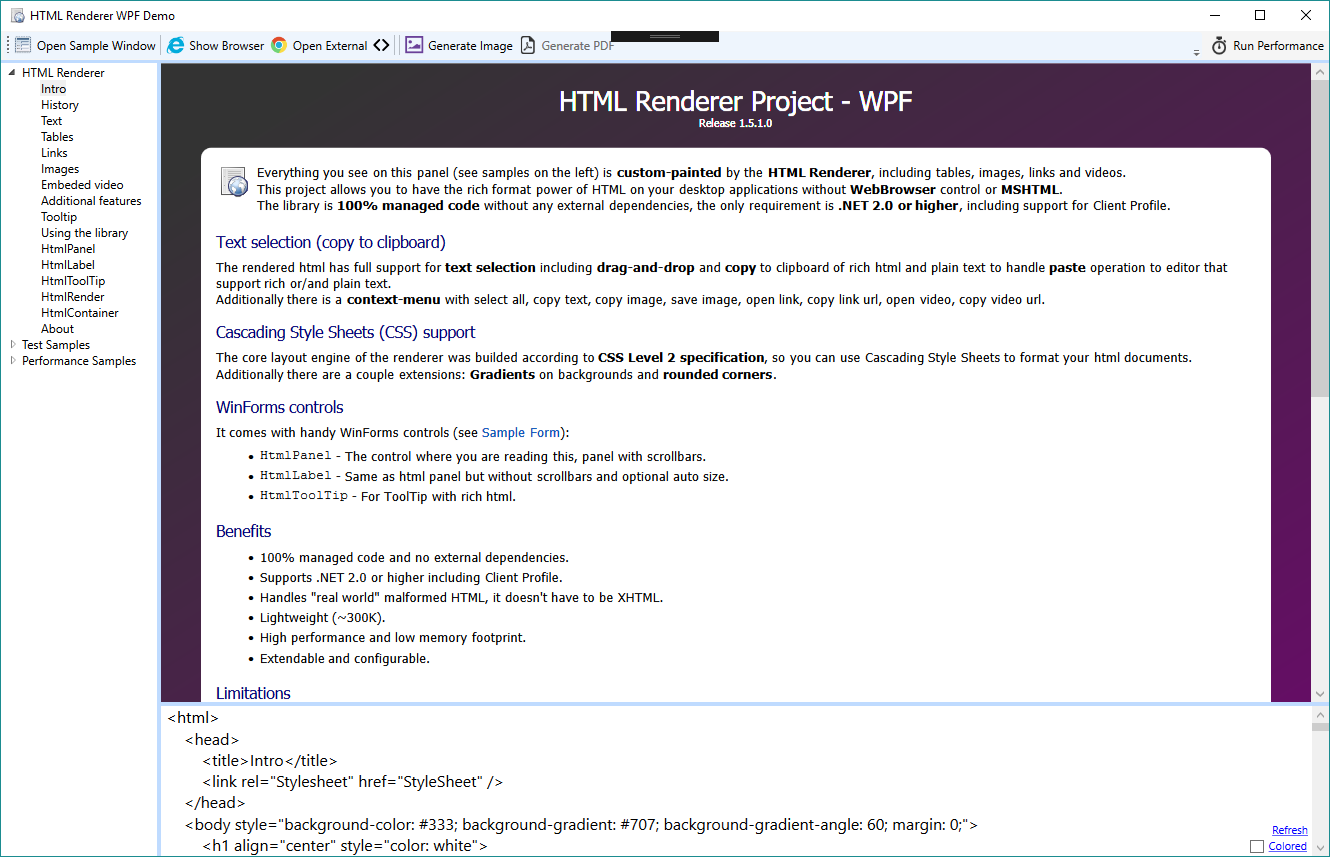
Hi,
Sorry to read that... could you provide the resolution you are using ? We may have to take the DPI in account...
In my use case, the PR fixed the problem on full hd screens with 100% scaling. Unfortunately I don't have the hardware to perform testing on other resolutions.
Thanks in advance for your help.
I'm also on a 1920 * 1080 at 100%, same result on my 2nd monitor which is a smaller one 1440 * 900.
(will test on laptop/surface soon)
I have a 1920x1080 screen at 125% and the text is very blurry
What to do?


I'm trying to display basic html elements in a HTML Label. No html tag, body tag, or css style sheet. Just P, UL, LI elements. However, when shown on screen the text isn't sharp and is uncomfortale to read.
Any suggestions?