Customize the look of your LinkStack instance with themes. Themes allow you to change the look and feel of your site with a few clicks. Users can submit themes they created for everyone to download and use.
Contribute by designing your own themes. You can read more about contributing below.
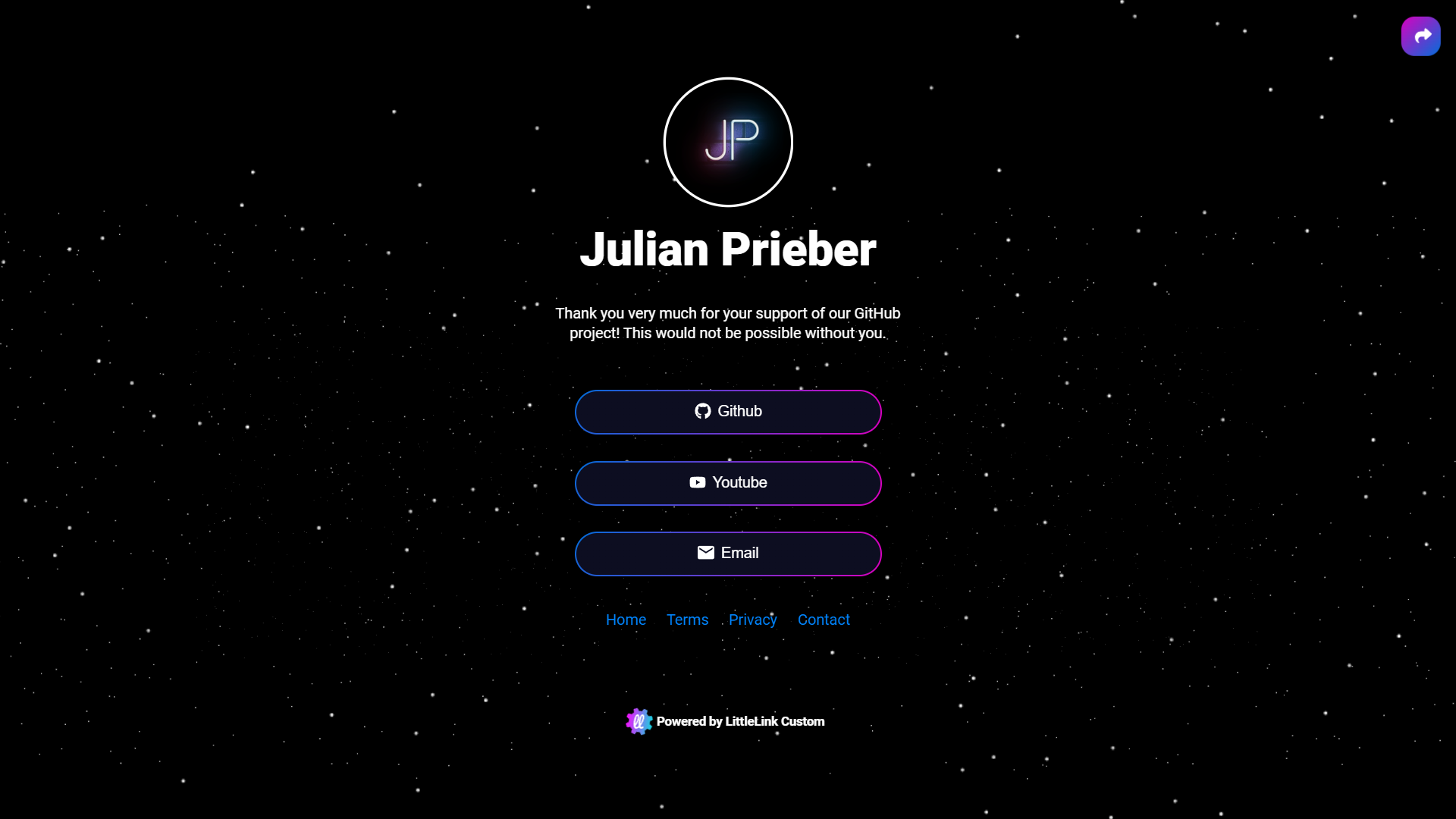 |
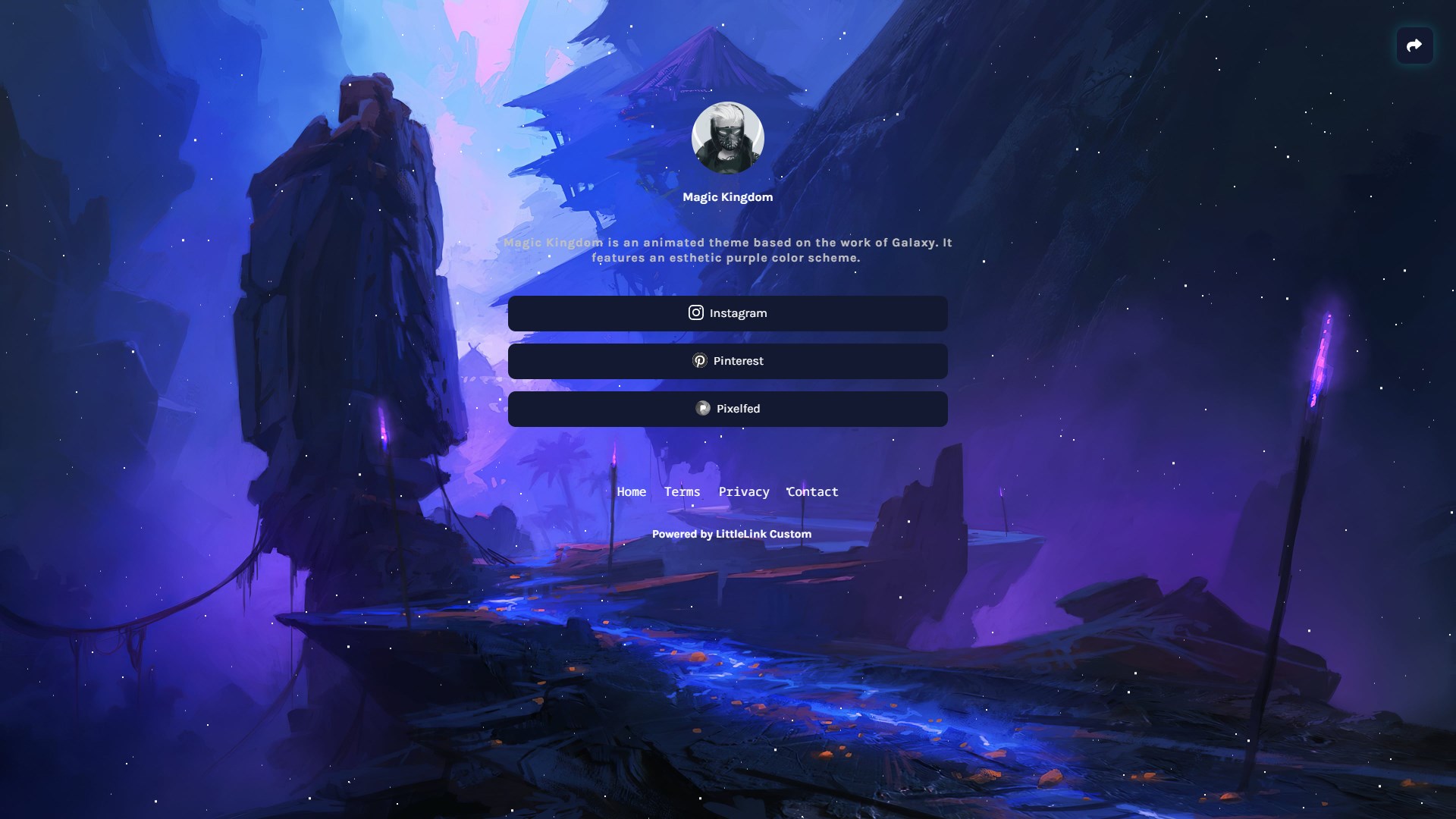 |
|---|---|
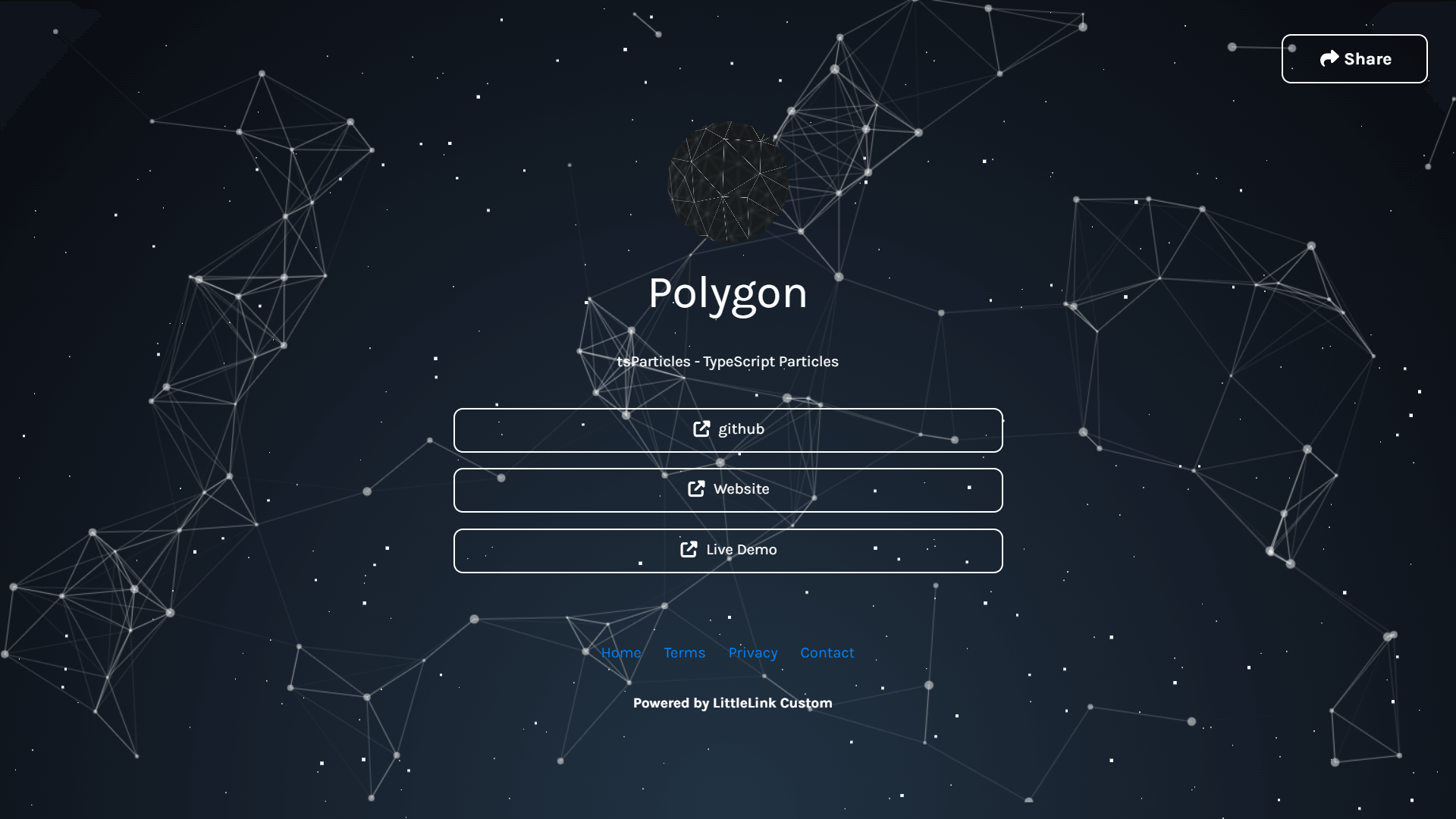 |
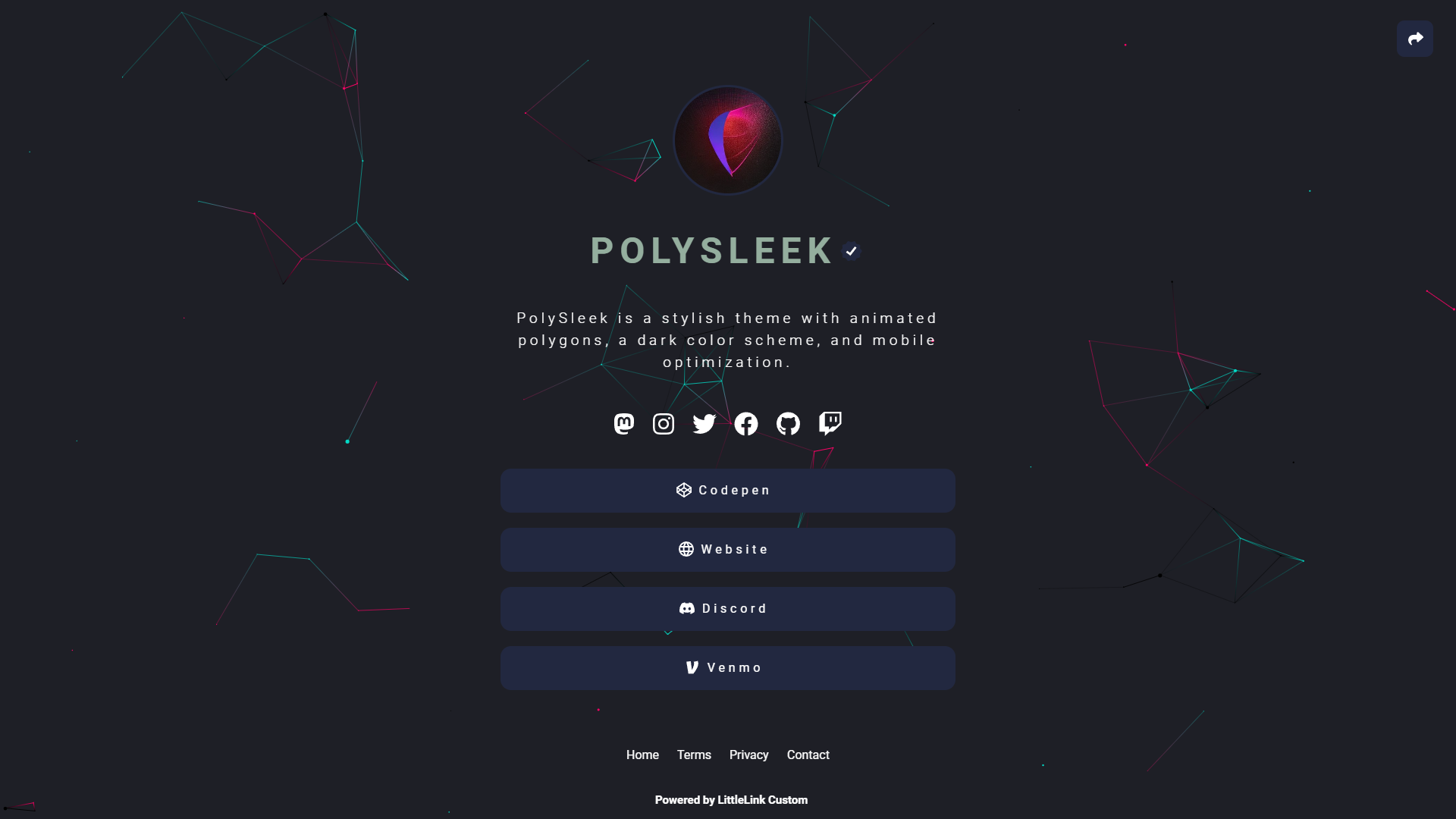 |
You can find all available Themes on here: linkstack.org/themes
You can add your downloaded themes to your LinkStack instance on the Admin Panel. Navigate to the 'Themes' tab and scroll to the bottom of the page.
Now click on Choose file and select your downloaded theme zip file. Now click on 'Upload theme' and you should be able to select your uploaded theme now.
If you know a bit about CSS, consider making your own theme and adding it to the public directory. Everything is documented in the dedicated GitHub repository.
github.com/LinkStackOrg/linkstack-themes/tree/main/contributing